
Why Do iPhone Photos Look Better Than Android?
Many users notice the same thing:
Photos taken on an Apple iPhone often look better than those taken on Android phones — even when Android devices have higher megapixels or larger camera sensors.
So why does this happen?
Is it hardware?
Is it marketing?
Or is it something deeper?
The answer lies in computational photography — a core imaging technology that Apple officially integrates into every iPhone camera system.
1. What Makes iPhone Photos Look So Good?
The key reason is simple:
iPhone photos are not just captured — they are calculated.
Apple designs its camera system around software-driven image processing, where advanced algorithms actively shape the final photo before you ever see it.
This approach prioritizes:
-
Natural skin tones
-
Balanced exposure
-
Stable colors
-
Share-ready results
Instead of chasing extreme sharpness or saturated colors, Apple optimizes images to match how human eyes and social platforms perceive “good-looking” photos.

AR Anti-Reflection Coating Lens Protector
2. Apple’s Official Camera Technologies Explained
Apple openly documents several imaging technologies on its website and product pages. These are not marketing terms — they are core components of the iPhone camera pipeline.
2.1 Photonic Engine (Apple Official Term)
The Photonic Engine is Apple’s latest image-processing framework.
According to Apple:
-
It applies deep learning early in the image pipeline
-
It improves detail and reduces noise before compression
-
It works automatically in low to medium light scenes
This means the photo is optimized before it becomes a JPEG or HEIF file, preserving natural textures rather than artificial sharpness.
2.2 Smart HDR
Apple’s Smart HDR technology:
-
Captures multiple frames at different exposures
-
Analyzes faces, skies, and backgrounds separately
-
Adjusts brightness and color by region, not globally
Instead of making the whole image brighter, Smart HDR decides what matters most — often prioritizing faces over backgrounds.
2.3 Deep Fusion
Deep Fusion activates in medium lighting conditions and:
-
Combines multiple images pixel by pixel
-
Enhances texture while minimizing noise
-
Uses machine learning to preserve fine details
Apple explicitly states that Deep Fusion works at the pixel level, not through simple filters.
3. Why iPhone Skin Tones Look More Natural
One of the most noticeable differences between iPhone and Android photos is skin tone rendering.
Apple’s camera system:
-
Identifies human faces in real time
-
Applies dedicated tone mapping to skin
-
Avoids over-whitening or aggressive contrast
This is why iPhone photos tend to look:
-
Softer
-
More realistic
-
Less “processed”
Especially for portraits and everyday people photography.
4. Why Android Photos Often Look Sharper — But Less Natural
Many Android phones focus on:
-
Higher megapixel counts
-
Aggressive sharpening
-
Strong HDR contrast
-
More vivid color saturation
While this can look impressive at first glance, it may lead to:
-
Harsh skin textures
-
Over-processed highlights
-
Unnatural color shifts
iPhone takes the opposite approach: controlled processing over visual shock value.

Benks ArmorWarrior Lens Protector
5. Hardware vs Software: Why Specs Don’t Tell the Full Story
Camera specifications like megapixels and sensor size matter — but they are not the full picture.
Apple’s philosophy is clear:
Photography quality is determined by how intelligently data is processed, not how much data is captured.
This is why iPhones with modest camera specs can still outperform phones with more advanced hardware on paper.
6. Final Verdict: Why iPhone Photos Look Better
iPhone photos look better because Apple focuses on:
-
Computational photography
-
Human-centric color science
-
Stable exposure logic
-
Consistent real-world results
Apple doesn’t aim to impress spec sheets — it aims to produce photos that look good immediately, without editing.
7. Protect the Image You See
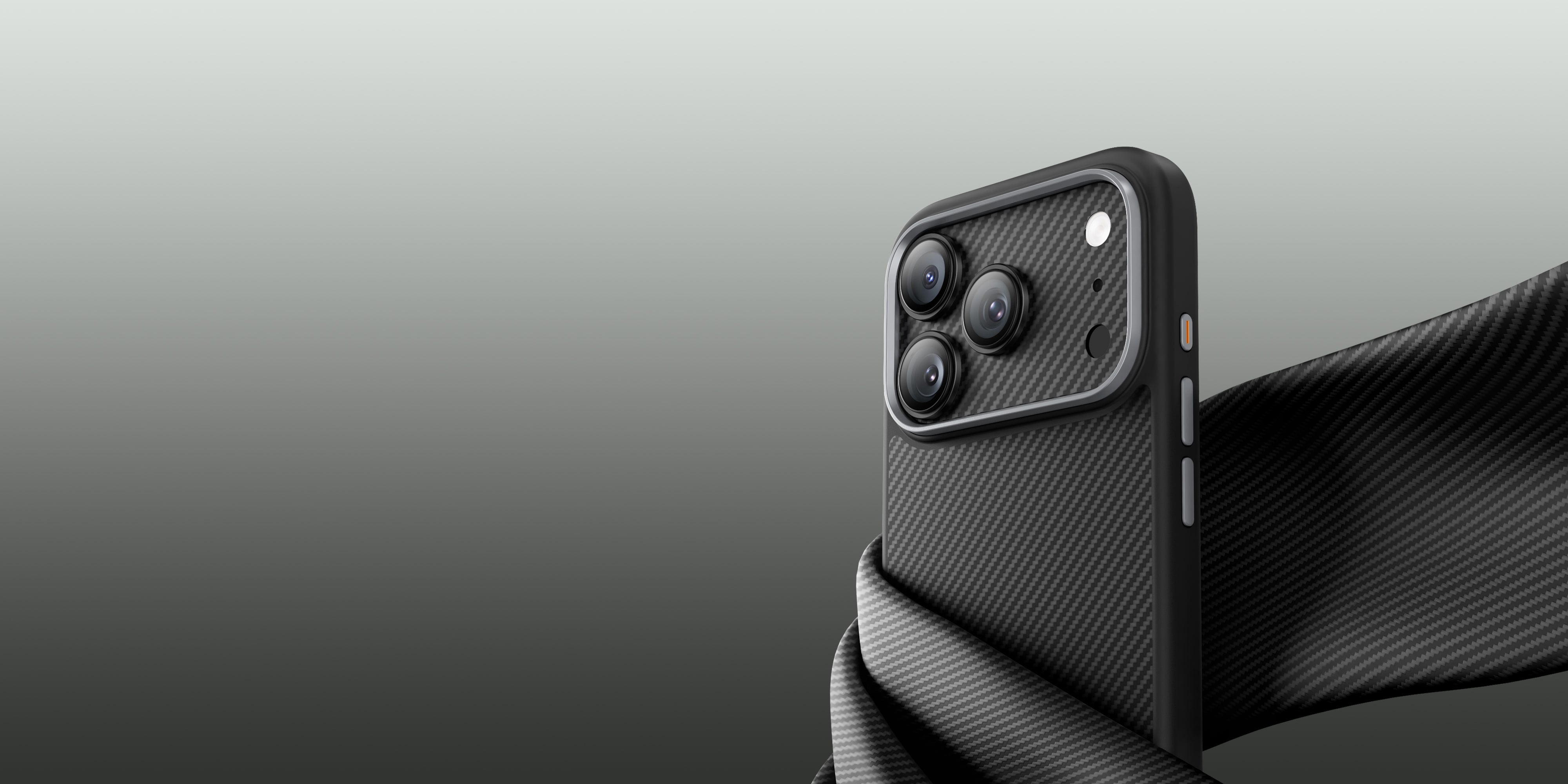
To preserve the image quality you rely on every day, we designed the ArmorWarrior Full-Coverage Lens Protector for iPhone 17 Pro.
Its one-piece, edge-to-edge design protects the entire camera module, while the AR anti-reflection coating reduces glare and light reflection, helping maintain clarity, contrast, and color accuracy.
From everyday shots to low-light scenes, it safeguards your camera system—so your photos look exactly the way they should.
👉 Learn more:
https://www.benks.com/products/armorwarrior-lens-protector-for-iphone-17-pro


Leave a comment
This site is protected by hCaptcha and the hCaptcha Privacy Policy and Terms of Service apply.