
Improving your iPad productivity can help you amend your work efficiency, especially if you work with a screen frequently. According to Earthweb, "over 425 million iPads have been sold globally since it was released on the market in 2010". However, most users were not exploring their iPads’ potential well.
iPad isn’t luxurious, but not at a low price. You paid hundreds of dollars for iPad, and hope it to be a great tool to meliorate your work/study efficiency instead of a bigger phone for only watching movies or hanging around on social media.
To unleash your iPad productivity and facilitate your work efficiency, you must know these 3 useful and exceptional tips.

Use your iPad as a second display for a Mac
Some tasks in the job need to open several windows simultaneously for working conveniently. If you only have one display of your MacBook, you must be busy on switch the different windows on your computer screen. This is dazzling, easy to be distrusted, and low efficiency.
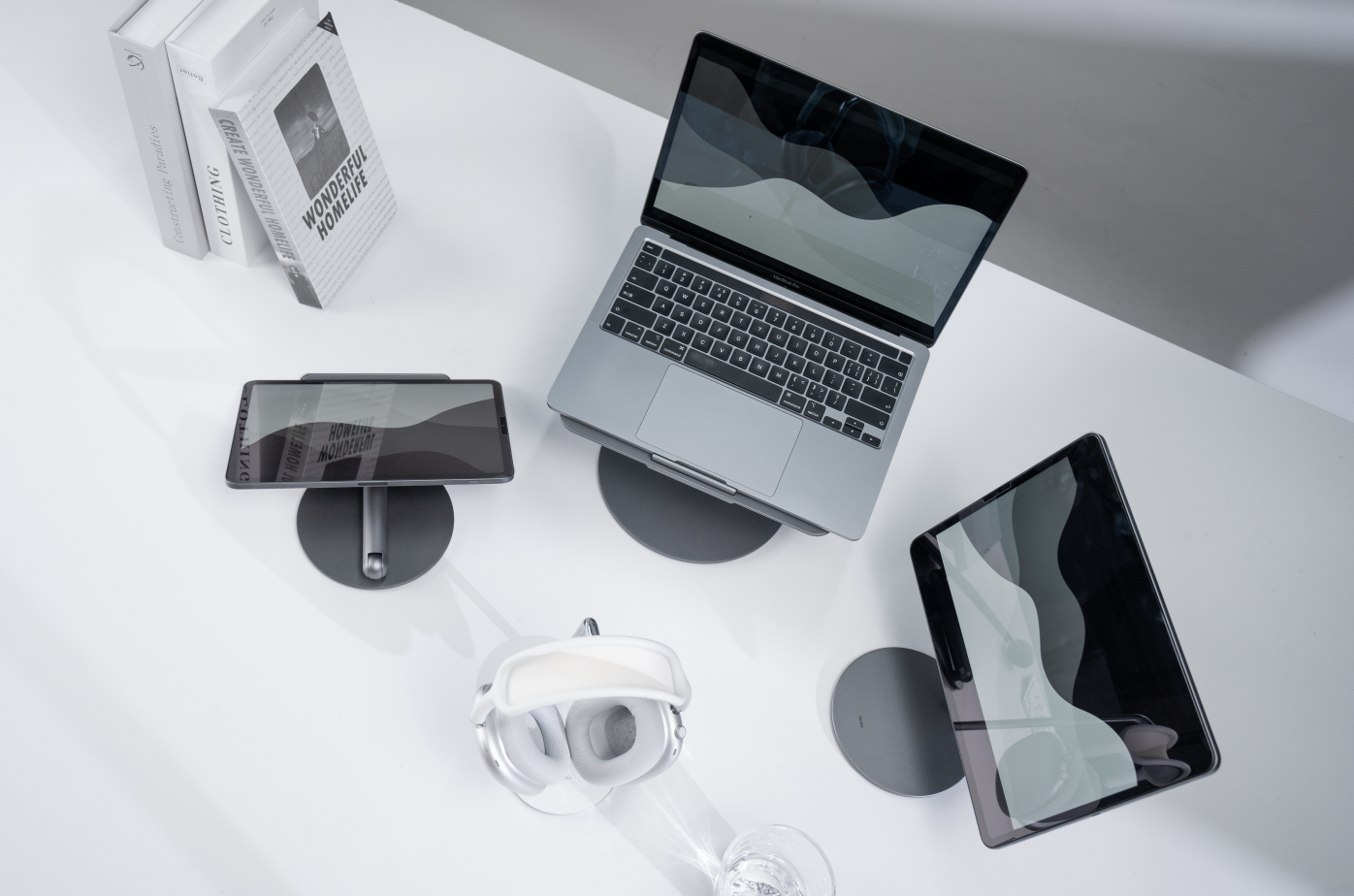
To solve this issue, many people turn to buy another display monitor to connect to their MacBook. But if you know your iPad well and are familiar with the Apple OS system, you can save the new display. The reason is, your iPad could be a second display.
Aesthetic and interactive are two main features of Apple’s products.So the Apple eco-system is interactive and that's why the Siderbar was born—— interact with different Apple products like your iPad and MacBook. Connect the iPad and Mac through Siderbar, the iPad screen will extend or mirror your Mac desktop. You can move some windows to iPad and get ready for more efficient and more productive work.

Final Cut Pro: Bring Your Entire Studio in Your Shoot
Final cut pro is a video-editing application that enables you to shoot, film, edit, and post videos conveniently on your iPad. For those who are fond of recording their life by posting videos on social media such as IG reels, TikTok, YouTube, and so on, the latest iPad final cut pro must be a very popular App.
“Bring your entire studio in your shoot”, Apple claimed for Final Cut Pro and guaranteed its utility. Indeed, it quite matches the needs of video cutting. iPad is more lightweight than MacBook but has a bigger screen than iPhone. So it is a perfect choice to take it in the bag and get outside for recording the daily vlog.
Don’t hesitate to use the final cut pro, it will drive the potentiality of your iPad and even practice you to get more abilities. That’s part of the reason we bought an iPad right?

Notability: Store and Share Notes
iPad is also a tool to help people write and record something. Compared with memorandum, I pretty like notability. It guides users to take logical notes via its detailed introduction. It helps to store notes for different units and share notes with other users. It is a excellent tool for improve the iPad productivity. And importantly, altough it has an annual subscription option, but you could choose the free mode to use it.
But, to use an iPad screen at work, you are supposed to take care of your neck and learn some tricks about how to save neck health. Think about it, when you lower down your neck for hours, and not just for a day, not just for a week, not for months and years, how hurt it will be for your neck? Therefore, you also need to raise the screen to a comfortable height.
So a height-adjustable iPad stand will be necessary. Treat yourself to a magnetic iPad stand, it will attach your iPad stably and rotate in 360 degrees for various use situations. No matter if you use the Sidebar or use the final cut pro on your iPad, this magnetic iPad stand will deserve your attention on it.


Leave a comment
This site is protected by hCaptcha and the hCaptcha Privacy Policy and Terms of Service apply.