
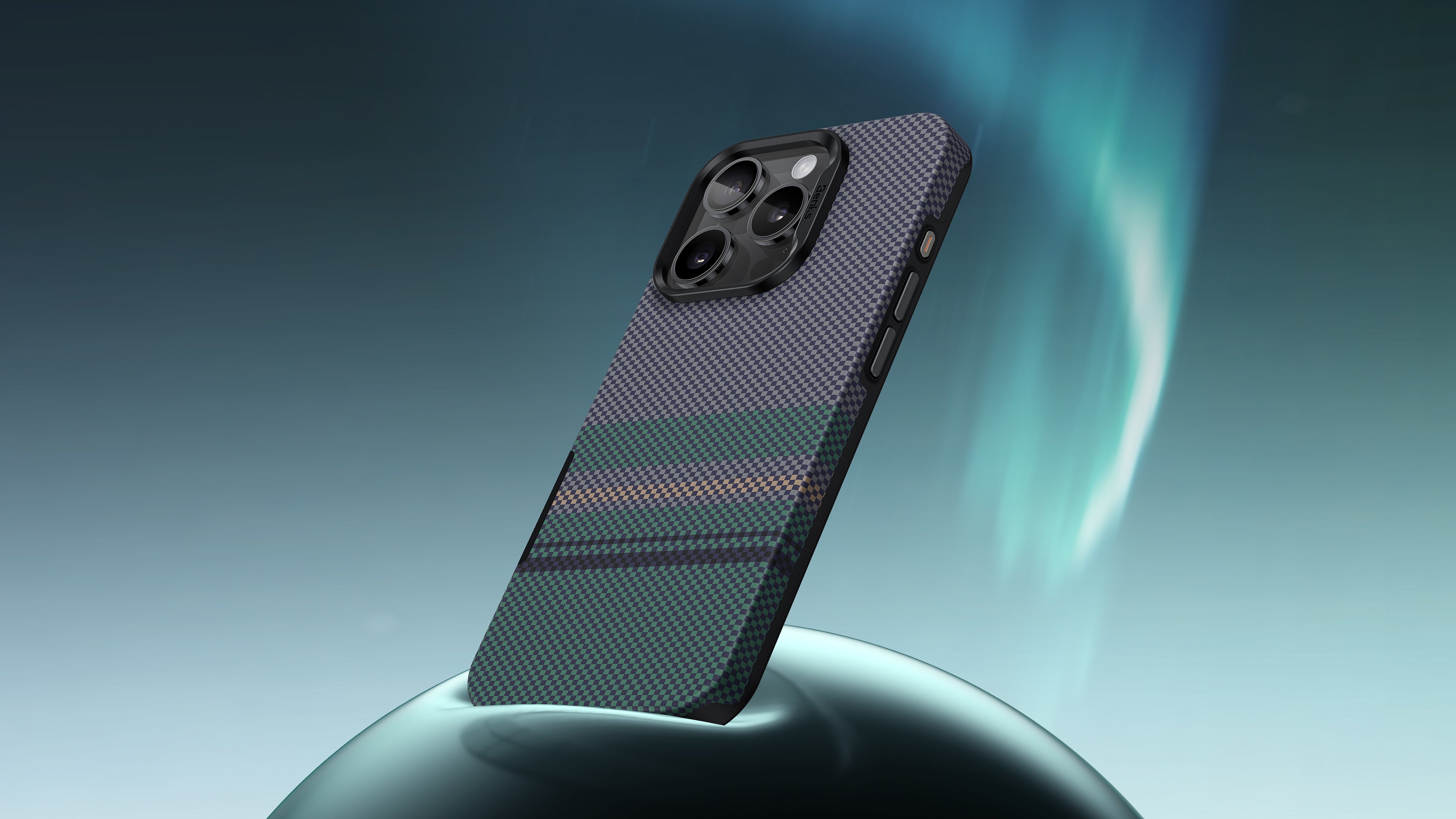
Transform Your iPhone 16 into a Professional Camera with the Camera Control Button
Introduction
The iPhone 16 is more than just a smartphone, it's a powerful tool for photography enthusiasts. A standout feature that elevates your photography experience is the camera control button. This simple addition makes capturing stunning images easier than ever. In this article, we’ll dive into how the camera control button enhances convenience and usability, helping you turn your phone into a professional-grade camera.
1. The Power of the Camera Control Button
The camera control button is designed for maximum convenience. Here’s how it transforms your photography:
-
Quick Access: With the camera control button, you can swiftly launch the camera app and take photos instantly. This means you won’t miss those fleeting moments, allowing you to capture memories as they happen.
-
Ease of Use: The camera control button provides a tactile way to snap photos, eliminating the need to tap the screen. This makes it easier to hold your phone steady, particularly in challenging conditions or when shooting at awkward angles.
-
Perfect for Selfies: Want to take a great selfie? Simply use the camera control button to capture the perfect shot without stretching your fingers to hit the screen. This feature adds an extra layer of convenience, ensuring everyone can be included in the frame.
2. Maximize Your Photography Skills with the Camera Control Button
To truly harness the power of your iPhone 16 Pro Max, use the camera control button to enhance your photography skills:
-
Use Burst Mode: Hold down the camera control button to activate burst mode, capturing a series of images in rapid succession. This is perfect for action shots, such as kids playing or pets running, ensuring you don’t miss a moment.
-
Adjust Settings Easily: The camera control button allows you to focus and adjust settings effortlessly. Tap the screen to set focus and exposure, then use the button to take the shot, ensuring your photos are always beautifully composed.
-
Explore Different Angles: The camera control button enables you to experiment with various angles. Whether you’re shooting from above or below, the button’s accessibility makes it easy to capture unique perspectives.
3. Convenience in Every Scenario
The camera control button is a game changer in various photography scenarios:
-
Travel Photography: When you’re on the go, the camera control button allows you to quickly take pictures of breathtaking landscapes or candid moments without fumbling with your device.
-
Events and Gatherings: At parties or events, use the camera control button to capture the fun without losing a beat. You can take photos with one hand, ensuring you’re always in the moment.
-
Low-Light Conditions: The convenience of the camera control button shines in low-light situations. By providing a more stable grip, it helps reduce shake, resulting in clearer images even in dim environments.
Conclusion
The camera control button on the iPhone 16 is an essential feature for anyone looking to take their photography to the next level. Its convenience and functionality transform your smartphone into a professional camera, allowing you to capture stunning images effortlessly. To ensure your device stays protected while you explore its photography capabilities, consider using the Aurora ArmorPro Case. With its durable Kevlar construction, this case not only safeguards your phone but also enhances your overall photography experience.
Embrace the convenience of the camera control button and unlock your iPhone 16 Pro Max’s full potential today!


댓글 남기기
이 사이트는 hCaptcha에 의해 보호되며, hCaptcha의 개인 정보 보호 정책 과 서비스 약관 이 적용됩니다.