
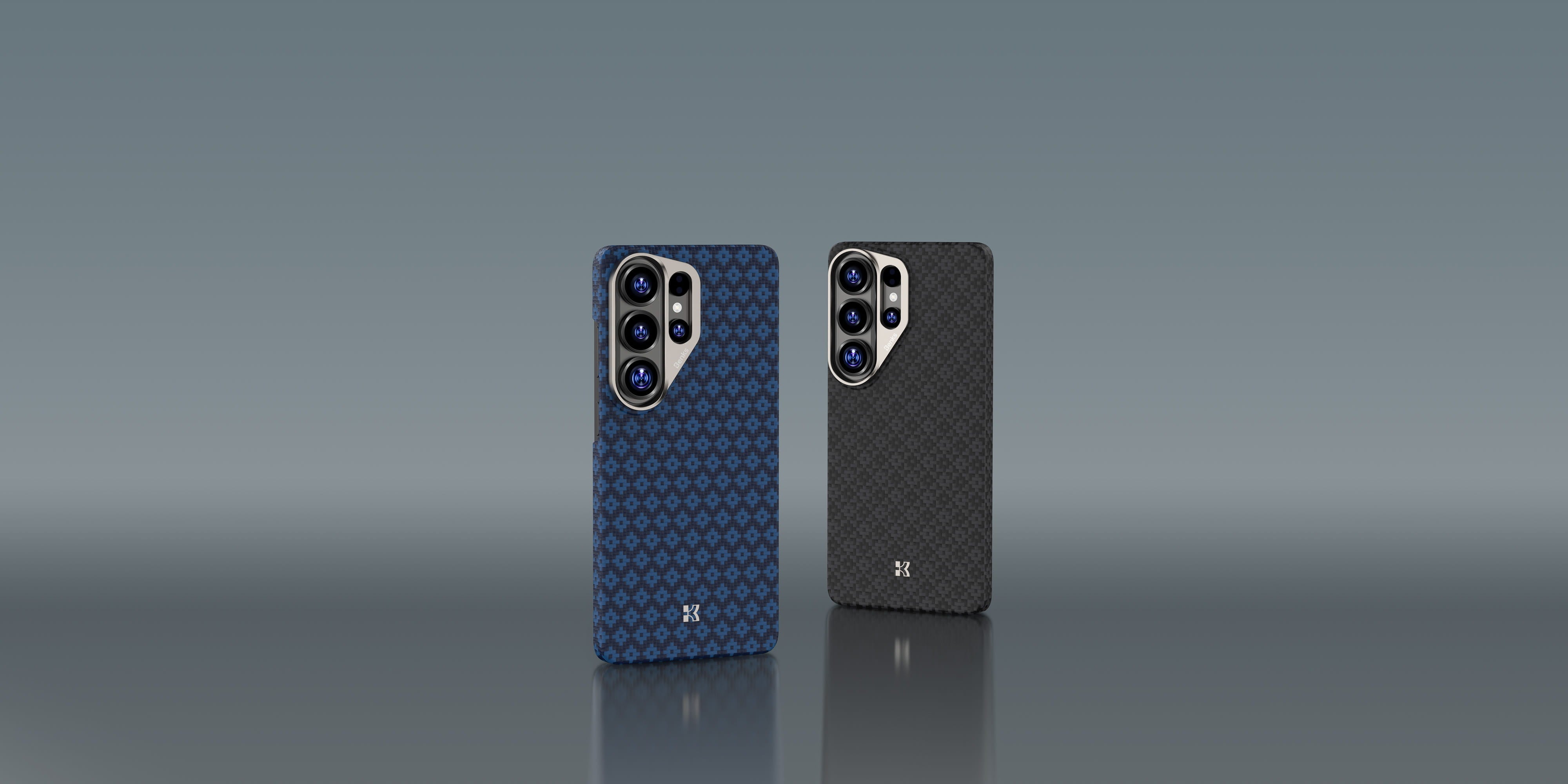
Samsung Galaxy S26 Ultra: What to Look for in a Case Before You Buy
Samsung Galaxy S26 Ultra Case Guide: Slim Protection Without Compromise
If you’re upgrading to the Galaxy S26 Ultra, your case decision matters more than people think. The right case protects your phone from day one—and keeps the device feeling “new” months later. The wrong case makes an Ultra feel bulky, slippery, or annoying to use.
Below is a simple, practical checklist to help you pick the right case before you buy.
1) Start with the “why”: protection you actually need
Most daily damage isn’t dramatic—it’s the small stuff:
-
Desk drops and corner impacts
-
Micro-scratches from pockets and bags
-
Camera rings rubbing against surfaces
-
Grip failures (the phone slips, not “falls”)
A good S26 Ultra case should protect the corners and edges first, then work outward to cover camera and screen contact points.
2) Slim vs rugged: don’t guess—choose a direction
Slim protection is for you if you care about:
-
Original phone feel (less bulk)
-
Pocket comfort
-
Clean lines and lightweight carry
Rugged protection is for you if you:
-
Drop your phone often
-
Work outdoors / travel frequently
-
Prefer a thicker frame and more shock absorption
If you’re unsure, pick “slim-but-structured”: a case that stays thin but still has reinforced corners and raised lips.
3) Material matters (more than marketing)
When comparing cases, ask one question: will the case stay strong after months of use?
Common materials and what they mean in real life:
-
Soft TPU: comfy grip, shock absorption, but can loosen over time
-
Hard PC: crisp look, but can feel slippery and transfer impact
-
Fiber/aramid-style materials: strong structure with low bulk, usually keeps shape better
Rule of thumb: if you want slim + durable, prioritize materials that keep their form and resist “softening” after heat and daily handling.
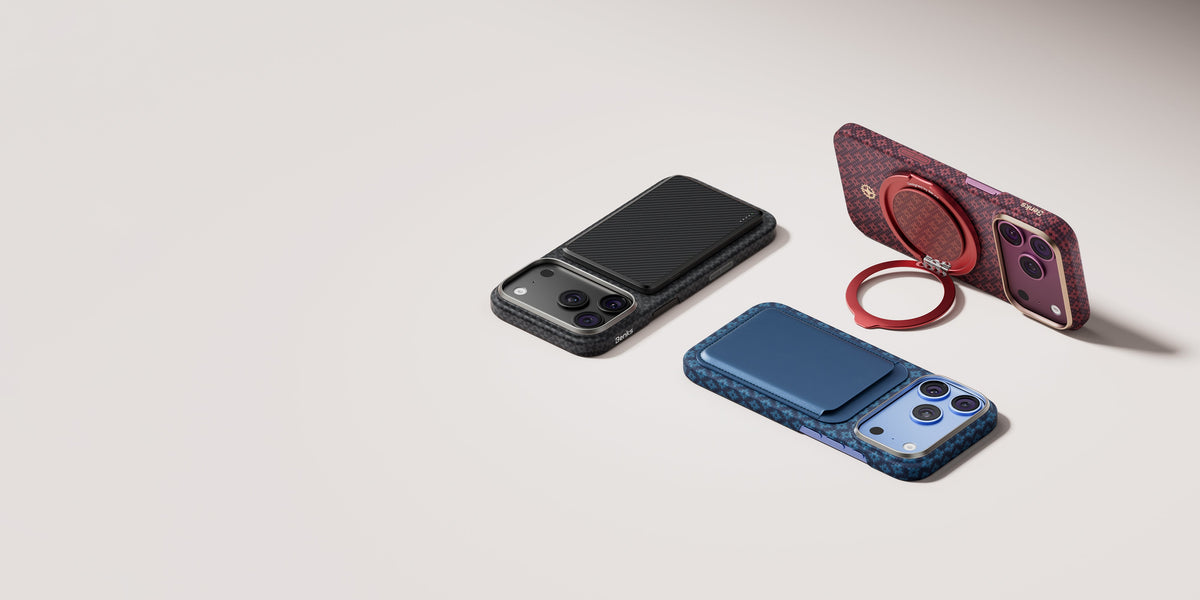
4) MagSafe-style compatibility: check alignment and stability
If you use magnetic chargers, mounts, or ring stands, don’t only look for “compatible.”
What you really want is:
-
Stable hold (doesn’t slide during charging)
-
Reliable alignment (snap-to-place, not “almost”)
-
No wobble on car mounts
If you’re building your S26 Ultra setup early, it’s worth browsing a curated collection made specifically around that ecosystem, like Samsung S26 Ultra cases.
5) Camera and screen contact protection: raised lips are non-negotiable
A real daily-use case should:
-
Lift the screen slightly off the table (front lip)
-
Lift the camera area to prevent scratches (camera lip / camera ring protection)
Even a small raised edge can prevent the most common “why is my camera scratched?” problem.
6) Grip and buttons: the underrated comfort factors
Two details that impact your day more than specs:
-
Grip texture: does it feel secure with one hand?
-
Button feel: clicky and precise, not mushy or too stiff
A case can be “protective” but still annoying if it ruins button feedback or feels slippery.
Quick checklist (save this)
Before you buy your S26 Ultra case, confirm:
-
✅ Reinforced corners / impact protection
-
✅ Slimness matches your preference
-
✅ Material won’t loosen over time
-
✅ Magnetic accessory use is stable (if you need it)
-
✅ Raised lips for screen + camera
-
✅ Comfortable grip and good button feel
FAQ
Will a slim case protect the Galaxy S26 Ultra well?
Yes—if it has reinforced corners, a structured frame, and raised lips. “Thin” doesn’t have to mean “weak.”
Do I need magnetic compatibility?
Only if you use magnetic chargers, mounts, or stands. If you do, prioritize stability and alignment—not just the label.
What’s the biggest mistake people make?
Buying based on looks only. A case is something you touch every day—comfort and grip matter as much as protection.


댓글 남기기
이 사이트는 hCaptcha에 의해 보호되며, hCaptcha의 개인 정보 보호 정책 과 서비스 약관 이 적용됩니다.