게시글:
Does the iPhone 16 Pro Need a Special Screen Protector for the Camera Control Button?
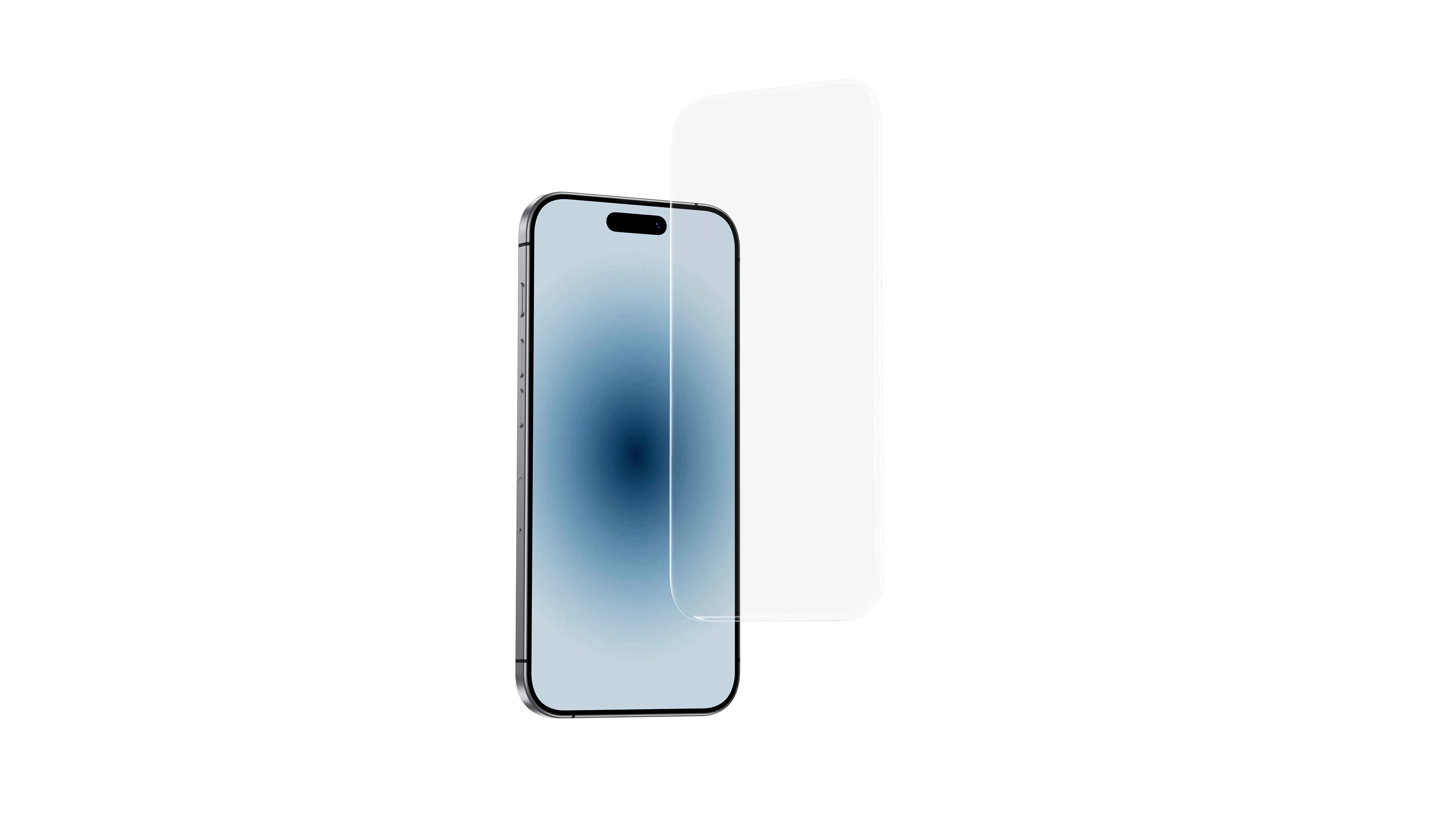
Does the iPhone 16 Pro Need a Special Screen Protector for the Camera Control Button?
The iPhone 16 Pro is here — and so is its most talked-about hardware change: the new camera control button. But with this exciting update comes a subtle challenge — many screen protectors just don’t fit properly anymore.
So, do you need a new kind of screen protector? Let’s take a closer look.
What’s Different About the iPhone 16 Pro’s Screen Layout?
Apple has added a dedicated button near the edge of the phone to give creators more precise control over the camera. But this new layout means that many traditional screen protectors now block or misalign with that button, affecting usability and defeating the purpose of the upgrade.
Why Most Screen Protectors Don’t Work
Even protectors labeled “iPhone 16 Pro compatible” might:
-
Cover or interfere with the camera control button
-
Feature black edges that shrink your viewing area
-
Lack precise alignment with Face ID or Dynamic Island
These may seem like small annoyances — until they ruin your daily experience.
So, What Kind of Screen Protector Should You Look For?
A truly compatible screen protector for the iPhone 16 Pro should offer:
-
Edge-to-edge coverage without black frames
-
Exact cutouts to avoid blocking the new button
-
Bubble-free installation tools
-
Scratch protection (9H hardness or better)
-
High-definition clarity with anti-fingerprint coating

Our Recommendation: Benks InvisiWarrior HD Screen Protector
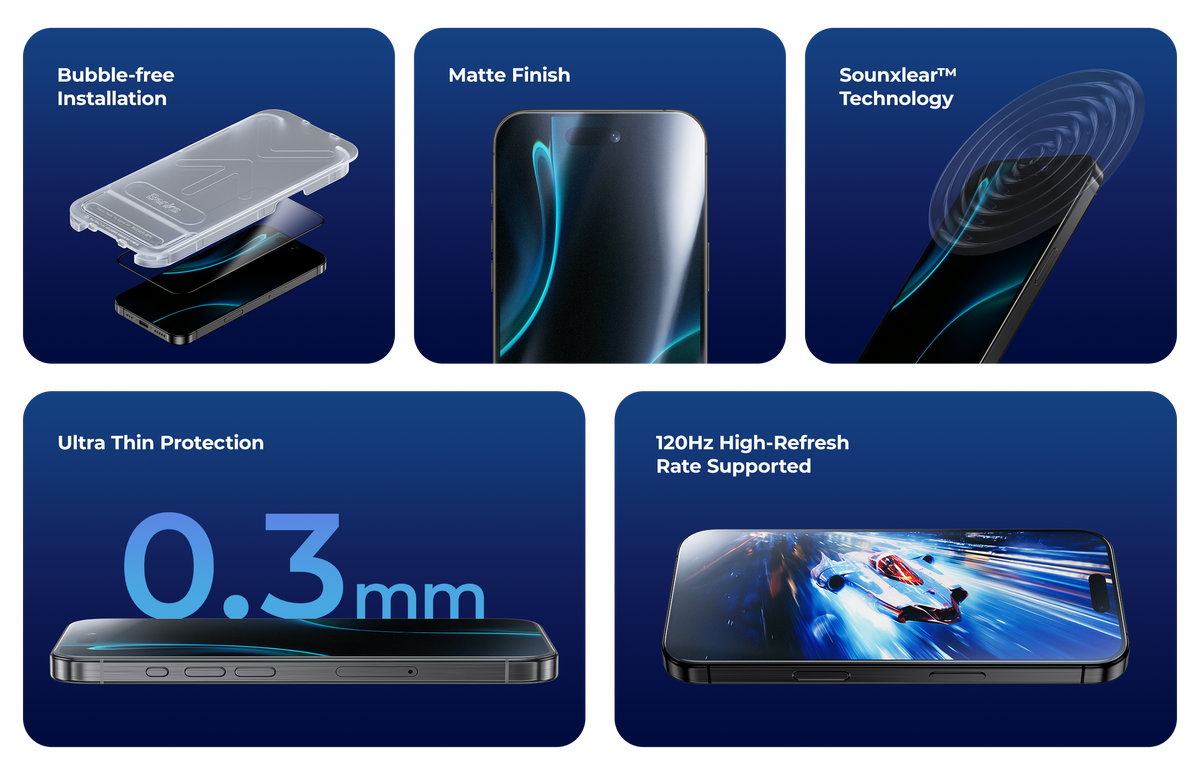
At Benks, we’ve designed the InvisiWarrior HD Screen Protector to work perfectly with the iPhone 16 Pro’s unique layout:
-
No black edges — full-screen visuals with no distractions
-
Precise cutouts — full compatibility with the new camera control button
-
Easy install tray — fast and bubble-free application
-
9H hardness — high durability using advanced tempered glass
-
HD clarity — anti-fingerprint and ultra-clear display
“It is completely transparent and there is no problem of blocking. The new product is very good.” – Verified User

Final Thoughts: Do You Really Need a New Screen Protector?
Yes — If you are bothered by the black edges.
Choosing a screen protector that doesn’t block this key new feature can mean the difference between frustration and seamless use. It’s not just about protection anymore — it’s about compatibility.
Where to Buy the Right Screen Protector
Ready to upgrade your protection without sacrificing function?
Get the Benks InvisiWarrior HD Screen Protector for iPhone 16 Pro today:
👉 Shop Now
<div class="dynamic-checkout__content" id="dynamic-checkout-cart" data-shopify="dynamic-checkout-cart"> <shopify-accelerated-checkout-cart wallet-configs="[{"supports_subs":true,"supports_def_opts":false,"name":"shop_pay","wallet_params":{"shopId":47053930645,"merchantName":"Benks","personalized":true}},{"supports_subs":true,"supports_def_opts":false,"name":"paypal","wallet_params":{"shopId":47053930645,"countryCode":"HK","merchantName":"Benks","phoneRequired":true,"companyRequired":false,"shippingType":"shipping","shopifyPaymentsEnabled":true,"hasManagedSellingPlanState":false,"requiresBillingAgreement":false,"gatewayType":"CONNECTED","merchantId":"ESZRRAH2DLBQ2","sdkUrl":"https://www.paypal.com/sdk/js?components=buttons\u0026commit=false\u0026currency=USD\u0026locale=ko_KR\u0026client-id=AexZEtAxk09Ncgj6FSWFFyGKbxxAZ_LTyJ2DPdJWl1YUlecinmc5AfIaRF2qYjWlusWahlzz6SVkY5Ci\u0026merchant-id=ESZRRAH2DLBQ2\u0026intent=authorize","serviceableCountryCodes":["AE","AL","AO","AR","AT","AU","AZ","BA","BE","BG","BH","BN","BR","BY","CA","CH","CL","CN","CO","CR","CY","CZ","DE","DK","DZ","EE","EG","ES","FI","FR","GB","GH","GR","HK","HR","HU","ID","IE","IL","IN","IS","IT","JO","JP","KE","KH","KR","KW","KZ","LK","LT","LU","LV","MA","MC","MD","MM","MO","MT","MX","MY","NG","NL","NO","NZ","OM","PE","PH","PK","PL","PT","QA","RO","RS","RU","RW","SA","SE","SG","SI","SK","TH","TW","TZ","UA","UG","US","VA","VN","ZA"]}}]" access-token="56b154c2f9adbcff9e5af72e4c299297" buyer-country="US" buyer-locale="ko" buyer-currency="USD" shop-id="47053930645" cart-id="8cc4d31c88983db2470076b2b410986e" enabled-flags="["1172c16a","a1d1f9a1","f5afabb3","370070f3"]" > <div class="wallet-button-wrapper"> <ul class='wallet-cart-grid wallet-cart-grid--skeleton' role="list" data-shopify-buttoncontainer="true"> <li data-testid='grid-cell' class='wallet-cart-button-container'><div class='wallet-cart-button wallet-cart-button__skeleton' role='button' disabled aria-hidden='true'> </div></li><li data-testid='grid-cell' class='wallet-cart-button-container'><div class='wallet-cart-button wallet-cart-button__skeleton' role='button' disabled aria-hidden='true'> </div></li> </ul> </div> </shopify-accelerated-checkout-cart> </div>



댓글 남기기
이 사이트는 hCaptcha에 의해 보호되며, hCaptcha의 개인 정보 보호 정책 과 서비스 약관 이 적용됩니다.