
First Things to Do with Your Galaxy Z Fold 8: 7 Mistakes to Avoid on Day One
The Galaxy Z Fold 8 went on sale August 7. If you're unboxing one right now, or you just received yours, this is the guide to read before you touch anything.
Foldable phones have specific quirks that conventional smartphone experience doesn't prepare you for. Most of the mistakes new Fold owners make happen in the first hour. Some are cosmetic. One of them voids your screen warranty instantly.
Here they are, in order of severity.

Mistake #1: Removing the Inner Screen Film
This is the one that costs the most and happens the most.
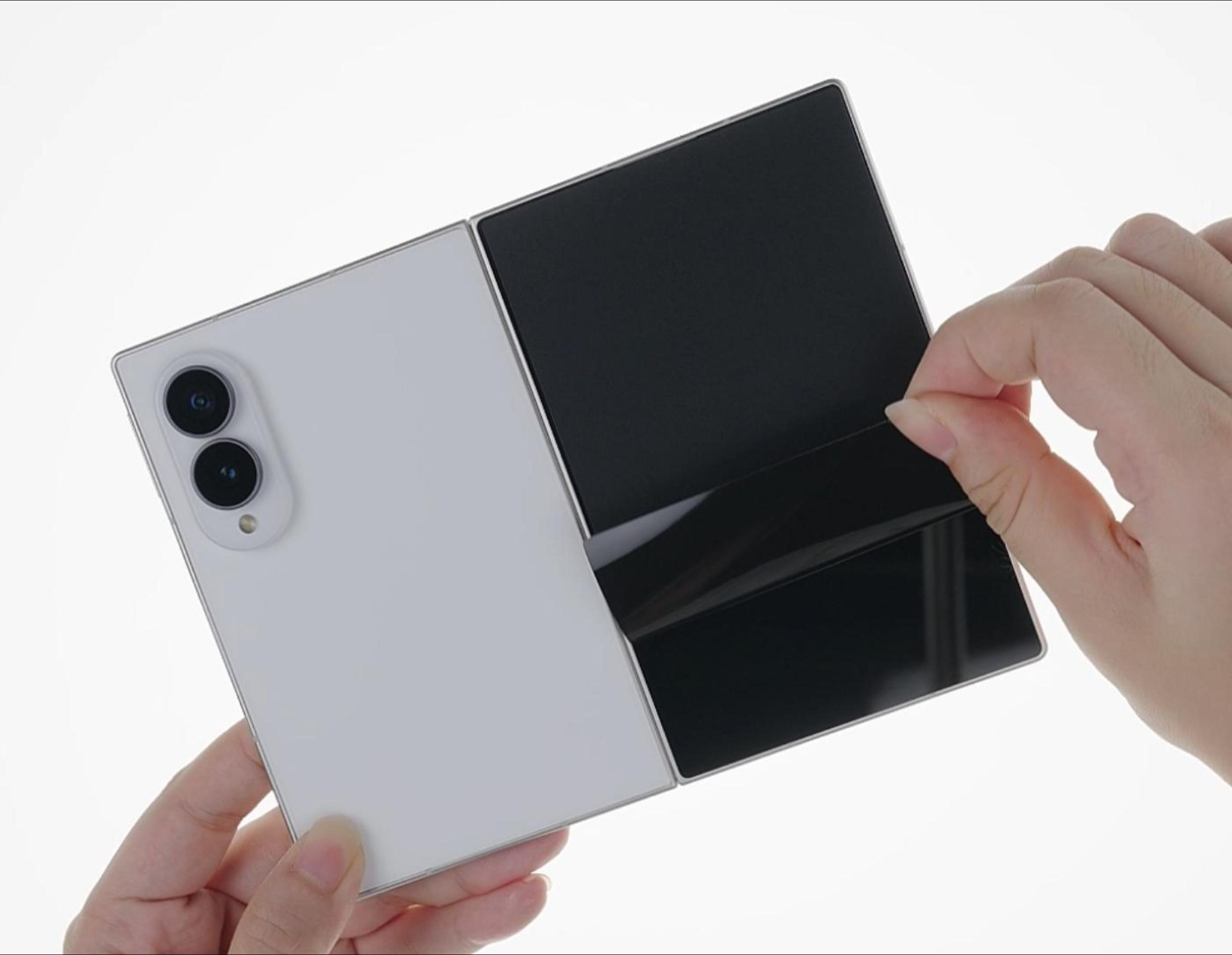
Every Galaxy Z Fold 8 ships with a Samsung-applied protective film bonded directly to the inner display. When new owners open the phone for the first time, they often see a film with a slightly lifted edge or a visible texture — and assume it's a shipping protector that should be peeled off.
It is not a shipping protector. Do not remove it.
This film is a functional component of the inner display assembly. It's part of the screen, not packaging. Removing it immediately exposes the Ultra Thin Glass (UTG) layer beneath to direct contact — causing irreversible surface damage within minutes of use. Samsung's inner display warranty is voided the moment the film is removed.
The film is labeled with a warning. The warning does not always prevent the mistake.
If you've already made this mistake: stop using the inner display and contact Samsung support immediately. There is no fix — but Samsung may have options depending on how recently it occurred.
If you haven't: do not touch the film on the inner display. Not to clean it, not to peel a corner to check, not for any reason.
💡 Galaxy Z Fold 8 screen protector guide — all three surfaces, all the rules
Mistake #2: Putting Tempered Glass on the Inner Screen
Related to the first mistake, but distinct enough to warrant its own entry.
Some new Fold owners know not to remove the factory film — but then buy a tempered glass screen protector for the inner display and apply it on top.
This also fails. Rapidly.
The inner display folds to a radius of approximately 3–4mm at the crease. Tempered glass is rigid — it cannot flex to this radius without fracturing. The glass will crack at the fold line within days, sometimes within hours of first folding. Cracked glass on top of the UTG layer can then damage the display beneath it.
There is no version of tempered glass that works on a folding inner display. This is a physics constraint, not a quality issue.
If you want additional protection on top of the factory film, the only compatible option is a flexible TPU or PET film under 0.1mm thick, specifically cut for the Fold 8's inner display dimensions.
Mistake #3: Using a Fold 7 Case
Fold 7 owners upgrading to the Fold 8 — or buying the Fold 8 while keeping their old case "just until the new one arrives" — run into a straightforward problem: the cases don't fit.
The Galaxy Z Fold 8 (wide) is shorter, wider, and uses a dual-rail hinge with different geometry from the Fold 7. The camera array is positioned differently. The button placement has changed. A Fold 7 case physically cannot align correctly on a Fold 8 body.
This matters practically because a misaligned case can create pressure points on the hinge mechanism — the opposite of protection. Using a wrong-generation case for a few days is a low-level but real stress on the most expensive component to repair.
The fix is simple: don't use Fold 7 cases on the Fold 8. Order a Fold 8-specific case before the phone arrives.
Mistake #4: Charging at 25W Instead of 45W
The Galaxy Z Fold 8 supports 45W wired charging — a significant upgrade from the Fold 7's 25W limit. Most Samsung chargers sold before mid-2025 are rated at 25W or below.
New owners plugging in a Fold 8 with a Fold 7 charger will get a charge — just not at full speed. The phone doesn't announce that you're charging at reduced speed in any obvious way. You plug it in, it charges, and you don't realize you're leaving 15–20 minutes of faster charging on the table every session.
Check the wattage rating printed on your current charger. If it says 25W, 15W, or 12W — you need a 45W USB-C PD 3.0 compatible charger to unlock the Fold 8's full charging speed.
Note: Samsung doesn't include a charger in the box in most markets.
Mistake #5: Leaving the Hinge Unprotected

Most first-time foldable owners buy a conventional back case and assume protection is complete.
The hinge spine — which runs the full height of the phone — is the one surface no back-only case ever touches. It faces pocket debris, key contact, and surface abrasion every single day. Over weeks and months, this low-level exposure accumulates in ways that affect the mechanism's feel and, in some cases, its longevity.
Samsung rates the Fold 8 hinge at 200,000 open-and-close cycles. That rating is for the mechanism under normal folding stress — it doesn't account for grit entering the hinge gap, surface contact wearing the spine coating, or spine-down drops.
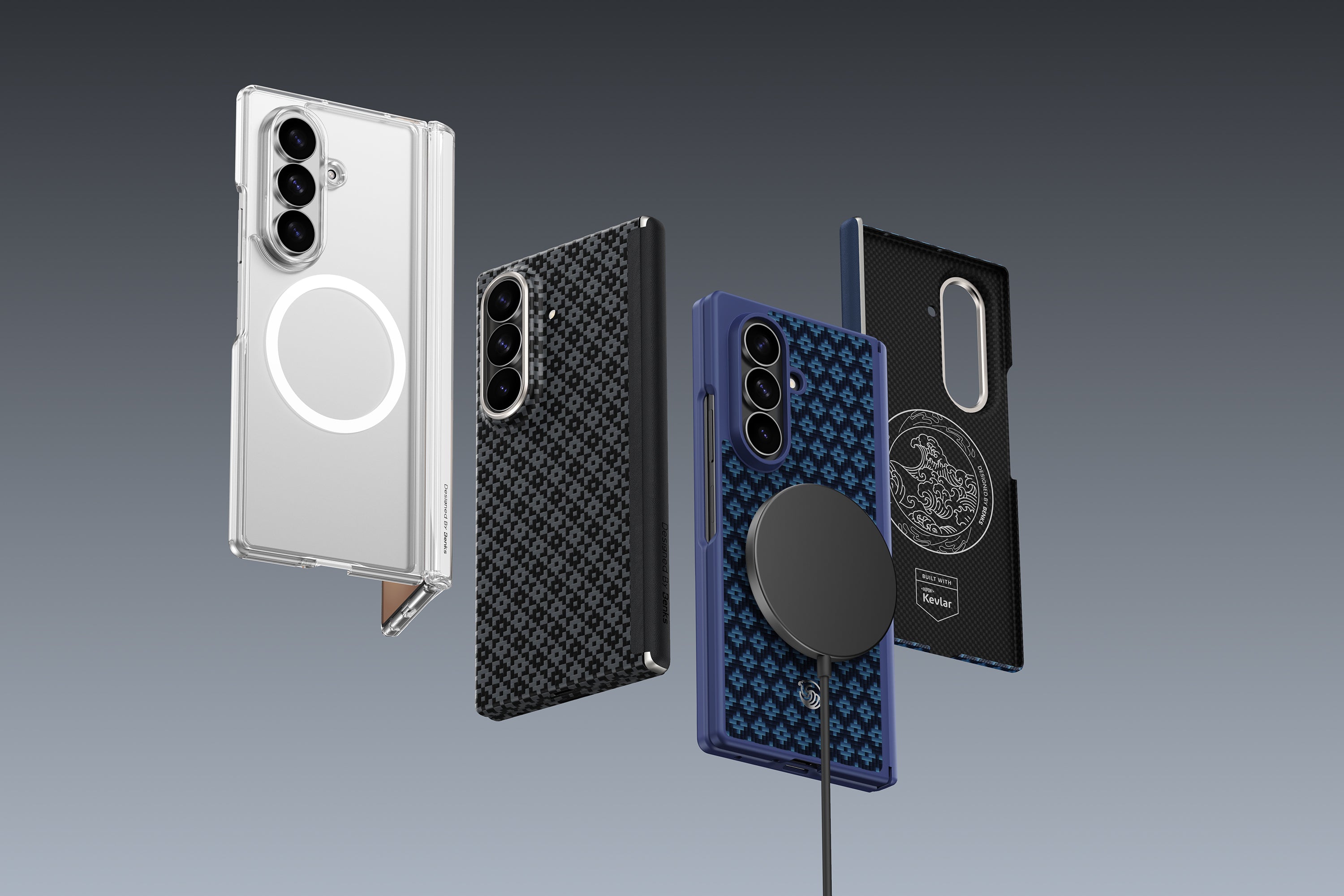
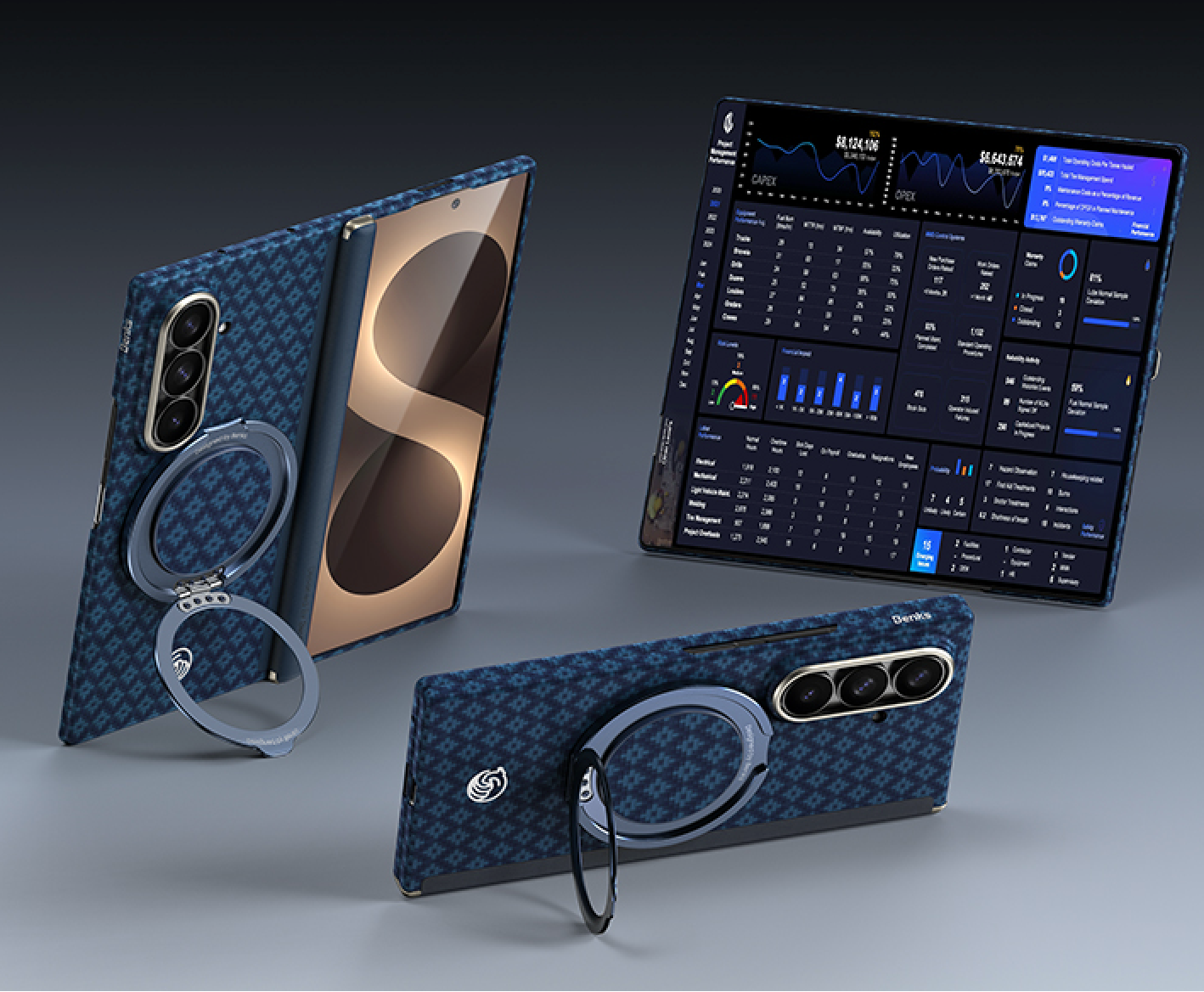
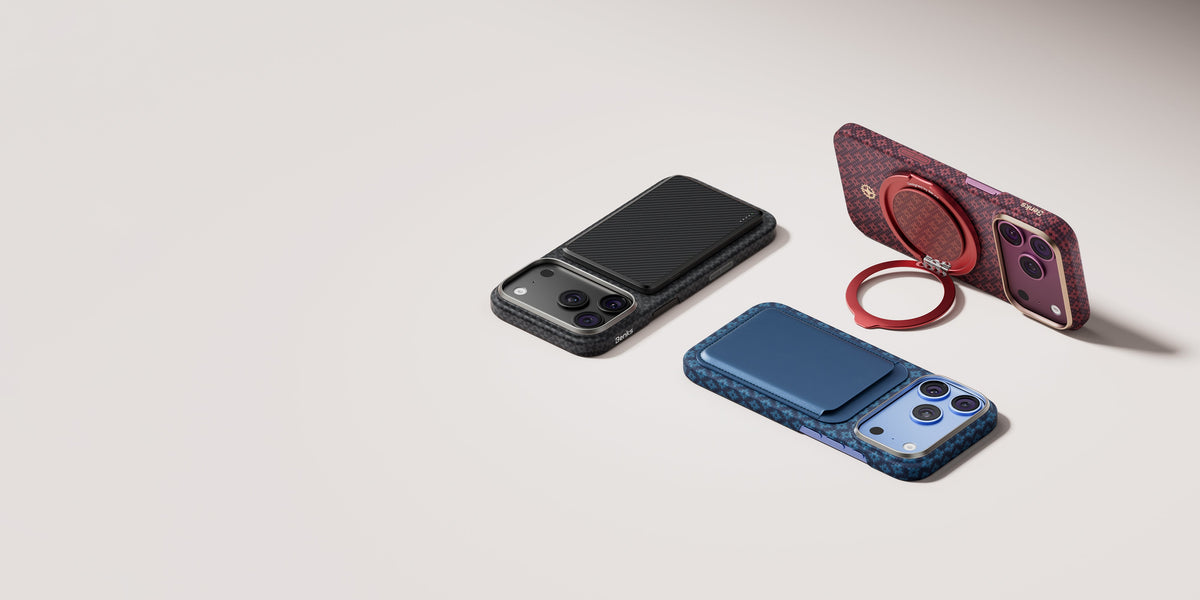
A case that includes a hinge guard specifically covers the spine. For new Fold owners, this is the single most important functional difference between a foldable case and a flat-phone case applied to a foldable.
💡 How long does the Fold 8 hinge actually last? Durability data and what to watch for
💡 Do foldable phones need hinge protection?
Mistake #6: Judging the Crease Too Quickly
This isn't a costly mistake—it simply causes unnecessary concern for many first-time foldable owners.
One of the first things people do after unboxing the Galaxy Z Fold 8 is unfold the display, tilt it under a bright light, and immediately look for the crease. It's a natural reaction, especially after seeing Samsung's polished product photos or close-up videos online.
The reality is that every foldable phone still has a visible crease to some degree. Samsung has made the Fold 8's crease smaller and less distracting than previous generations, but it hasn't disappeared completely.
More importantly, how noticeable the crease appears depends heavily on the viewing angle, ambient lighting, and what's on the screen. Under direct overhead light, you'll see it more clearly. During everyday activities like reading, browsing, messaging, or watching videos, many users barely notice it.
Rather than focusing on the crease during your first few minutes with the phone, spend some time using it naturally. The overall display quality, brightness, and usability are far more representative of the real Fold 8 experience than a close-up inspection under harsh lighting.

Mistake #7: Ignoring the Cover Screen Protector
The cover display — the outer screen used when the phone is folded — takes more daily casual contact than the inner display for most users. It's the surface that goes in and out of pockets, gets set face-down on tables, and takes cheek contact during calls.
It's also the surface most new owners forget to protect, because the inner display gets all the attention.
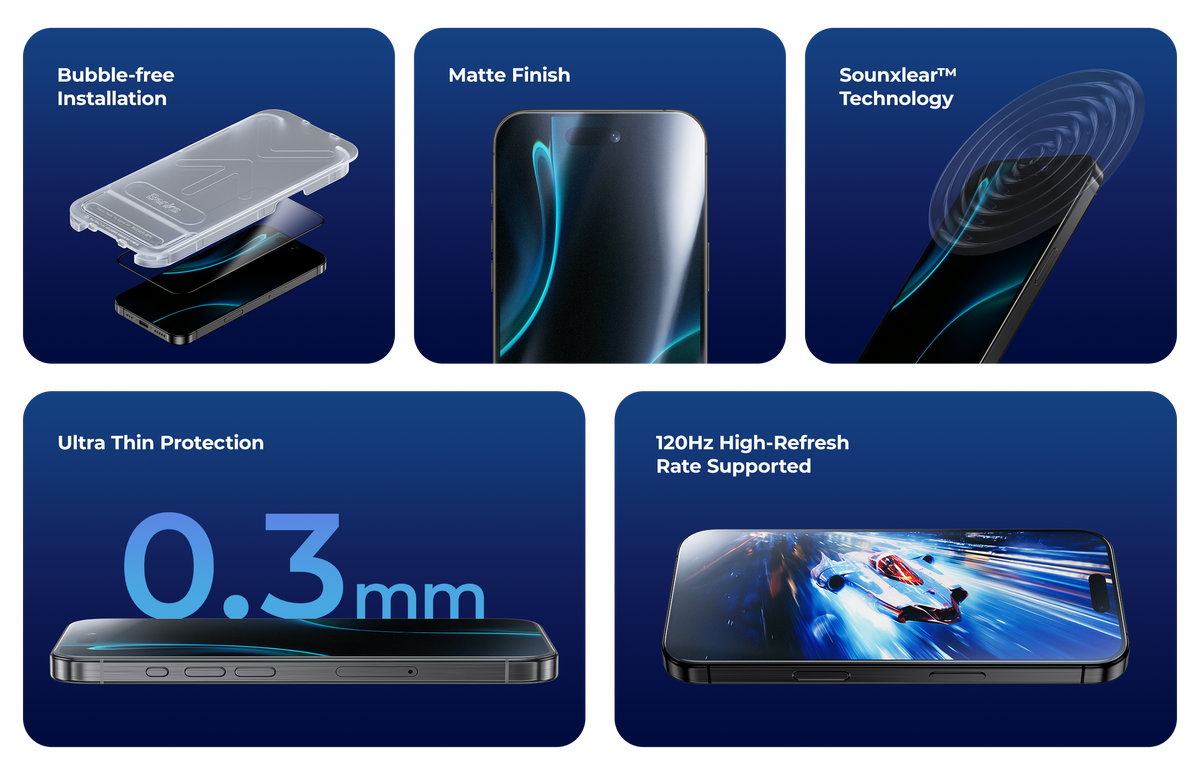
The cover display accepts standard 9H tempered glass exactly as any flat phone screen does. This is the straightforward protection decision — buy a tempered glass protector cut for the Fold 8's cover display dimensions and apply it on day one.
Note: the Fold 8 (wide) and Fold 8 Ultra have different cover display dimensions. A protector cut for the Fold 8 wide (5.5-inch, 16:10) will not fit the Ultra's 6.5-inch cover screen. Buy the correct one for your model.

The Day-One Setup Checklist
| Priority | Action | Why |
|---|---|---|
| 🔴 Critical | Do not remove the inner screen factory film | Voids warranty, causes immediate damage |
| 🔴 Critical | Do not apply tempered glass to the inner screen | Will crack at the fold crease |
| 🟠 High | Use a Fold 8-specific case with hinge coverage | Fold 7 cases don't fit; hinge needs protection |
| 🟠 High | Apply tempered glass to the cover display | Daily contact surface; straightforward protection |
| 🟡 Medium | Verify your charger is 45W rated | 25W charger undersells the phone's charging capability |
| 🟡 Medium | Apply lens protector rings to the camera | 2 rings for Fold 8, 3 rings for Ultra |
| 🟢 Low | Give the crease two weeks before judging | Factory tension settles; the week-two state is normal |
FAQ
Can I remove the film on the Galaxy Z Fold 8 inner display? No. The Samsung-applied film on the inner display is a functional component of the screen assembly, not packaging. Removing it immediately voids the inner display warranty and exposes the UTG layer to surface damage. It must not be removed.
What screen protector should I put on the Fold 8 inner display? Nothing rigid. The only compatible addition to the inner display is a flexible TPU or PET film under 0.1mm thick. Tempered glass will crack at the fold crease. For most users who keep the factory film intact and avoid pocket-sharing with hard objects, no additional inner screen protector is needed.
Why won't my Fold 7 case fit the Fold 8? The Fold 8 wide has a different aspect ratio, wider body, new dual-rail hinge geometry, and repositioned camera elements compared to the Fold 7. The Fold 8 Ultra has a thinner 4.1mm profile with different tolerances. Neither model is dimensionally compatible with Fold 7 cases.
How do I know if I'm charging the Fold 8 at full speed? Check the wattage rating on your charger — it's printed on the adapter. The Fold 8 charges at up to 45W with a compatible USB-C PD 3.0 charger. If your charger is rated at 25W, 15W, or less, you're not charging at the Fold 8's full speed.
Is the crease getting worse a sign of a defect? No. Crease development in the first week of use is normal for foldable displays — the display layers lose factory tension and settle into the hinge cavity. The Fold 8's settled crease is still better than previous Fold generations at launch. Functional performance is unaffected.
What's the most important thing to buy for the Fold 8 on day one? A case with hinge coverage is the priority. The hinge spine is exposed in any back-only case and is the most expensive component to repair ($350–500 out of warranty on previous generations). The cover screen protector is the second priority. Both should be in place before the phone first goes into a pocket.


Leave a comment
This site is protected by hCaptcha and the hCaptcha Privacy Policy and Terms of Service apply.