
One UI 9 on the Galaxy Z Fold 8: Every New Feature That Actually Changes How You Use It
The Galaxy Z Fold 8 and Z Fold 8 Ultra are the first phones in the world to ship with stable One UI 9, based on Android 17. Unlike previous Galaxy launches where the software felt like a minor point-release, One UI 9 introduces Galaxy AI features that are genuinely specific to the foldable form factor. This guide covers what changed, what's actually useful in daily use, and what's mostly a marketing headline.

What's New in One UI 9: The Short Version
- AI Assistant Activity Dashboard — a centralized log of every action Galaxy AI has taken on your behalf
- My FanCam — auto-reframes a tracked subject in video to any aspect ratio you choose, inside Gallery
- Photo Assist (voice) — describe an edit out loud and see a before/after preview
- Now Brief (enhanced) — your daily summary now flags privacy issues and links directly to relevant settings
- Now Nudge (expanded) — context-aware suggestions now work across keyboard and more apps
- Cine LUT (Fold 8 Ultra only) — cinematic color grading applied directly to video recordings in the camera app
- Two-way and three-way split-screen — foldable-specific multitasking improvement
- Samsung DeX improvements — taskbar and window management refinements
- Game Booster enhancements — additional performance control settings
- Seamless Updates — OS updates install in the background; no reboot downtime
- Smart Switch iPhone transfer — now supports passwords, passkeys, and eSIM transfer from iOS
The Features That Actually Change Daily Use
AI Assistant Activity Dashboard
Every time Galaxy AI does something on your behalf — summarizing a notification, auto-replying, reframing a photo, filling in a form field — it logs the action in one place. This matters because Galaxy AI runs across more than a dozen apps and surfaces, and previously there was no unified way to see what it had actually done. The dashboard also links directly to settings controls for each AI capability, so disabling a specific function doesn't require hunting through menus.
For Fold 8 users, this is particularly useful because the phone's large inner display encourages heavier AI usage in split-screen and tablet mode. The activity log means you can audit what's happened when switching between apps.
My FanCam
Record video normally and then retroactively reframe it to track a specific subject. My FanCam works in Gallery on footage already captured — you don't have to set it up before recording. Choose a subject, choose an aspect ratio (portrait, landscape, square), and the software produces a reframed cut with the subject tracked throughout.
On the Fold 8 Ultra, My FanCam also works with the front and rear camera simultaneously — you can record both at once and get separate reframed outputs. This makes spontaneous event and sports recording more usable without setup, which fits naturally with the larger inner display for playback review.
Cine LUT (Fold 8 Ultra only)
Cinematic LUT (Look-Up Table) color grading is applied directly in the camera app before or during recording — not in post-processing. Samsung's implementation allows real-time preview of the color grade through the viewfinder. This is a feature that was previously limited to Samsung's Galaxy S26 Ultra camera system. It ships on the Fold 8 Ultra but not on the standard Fold 8.
Split-Screen Three-Way
The Fold 8's 7.6-inch inner display (4:3 ratio) and the Fold 8 Ultra's 8.0-inch inner display are physically large enough to run three apps simultaneously without them becoming unusable. One UI 9 adds three-way split-screen as a native multitasking option — two apps side by side on top, one spanning the bottom. Previous Fold models were limited to two simultaneous apps in split-screen.
This is the most foldable-specific software upgrade in One UI 9 and arguably the most practically useful. Common use cases: email + browser + notes, calendar + messaging + maps, video call + documents + messaging.
Now Brief Privacy Alerts
Your daily AI summary now includes privacy and security alerts — if an app has requested unusual permissions, if a password appears in a known breach, or if location tracking is active from an unexpected source. These alerts link directly to the relevant settings rather than just flagging the issue. For a device used as a primary productivity tool (which the Fold 8 is positioned to be), integrated privacy monitoring is meaningfully more useful than a separate security app.
What It Means for Older Galaxy Devices
One UI 9 stable ships exclusively on the Fold 8, Fold 8 Ultra, and Flip 8 at launch. The Galaxy S26 series is expected to receive the stable update next, likely around September 2026. The Z Fold 7 and Z Flip 7 will follow in subsequent weeks. Samsung has not confirmed a rollout date chart for the full device lineup.
If you own a Z Fold 7 and are waiting for One UI 9 before deciding whether to upgrade, that update is coming — the Z Fold 7 supports Android 17. The question is whether the Fold 8 Ultra's hardware changes (Flex Titanium display, silicon-carbon battery, 50MP ultrawide camera) justify the upgrade cost on top of the software update you'll get for free. See Z Fold 8 vs Z Fold 7: Is the 2026 Upgrade Worth It? for the full breakdown.
Protecting the Device You're Running One UI 9 On
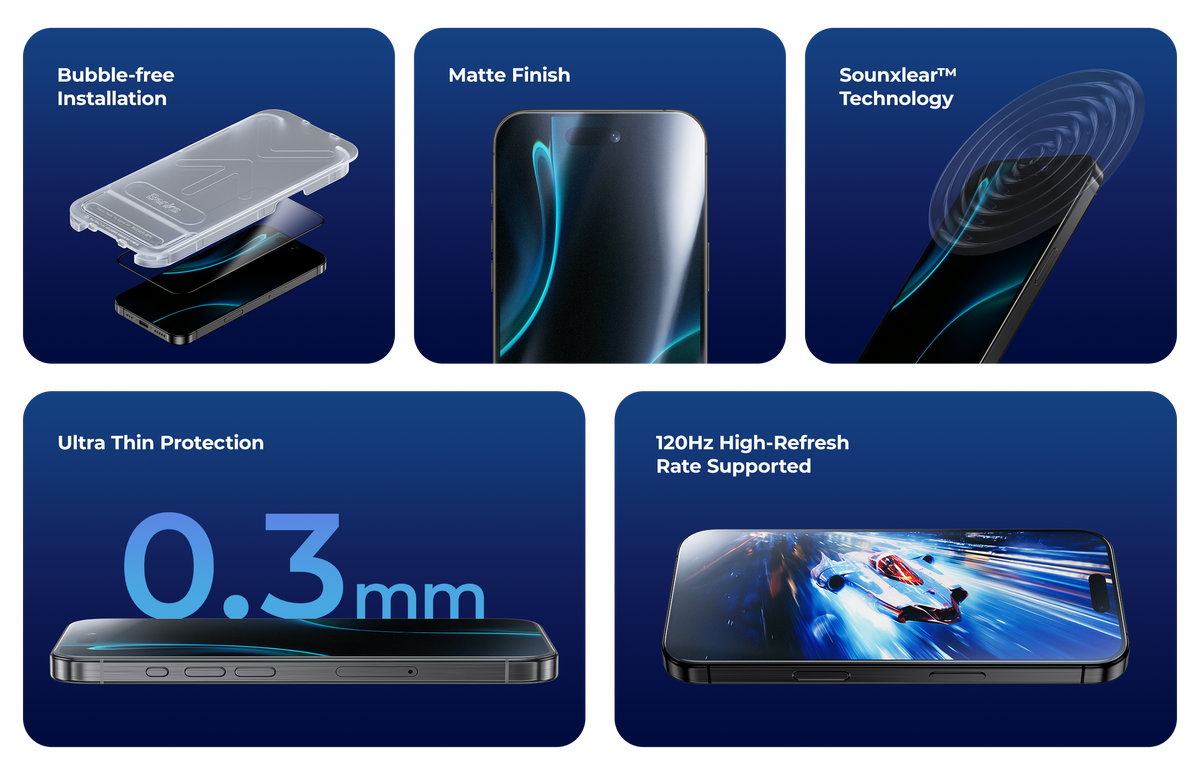
One UI 9's split-screen and AI features are most useful on the inner display — the surface that's also most fragile on a foldable. The inner display ships with a factory-applied Samsung UTG protector that must not be removed. The cover display is where you need additional protection.
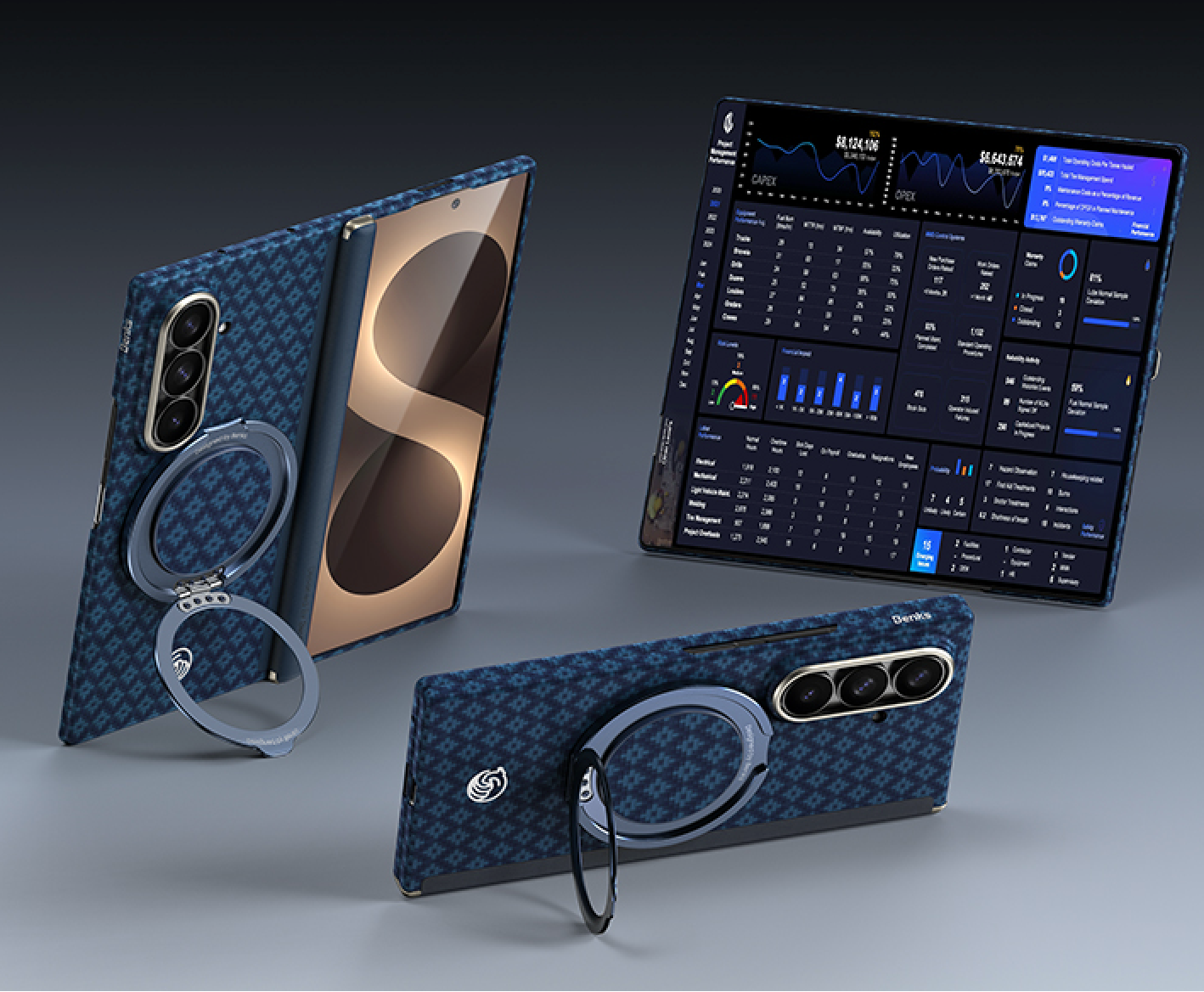
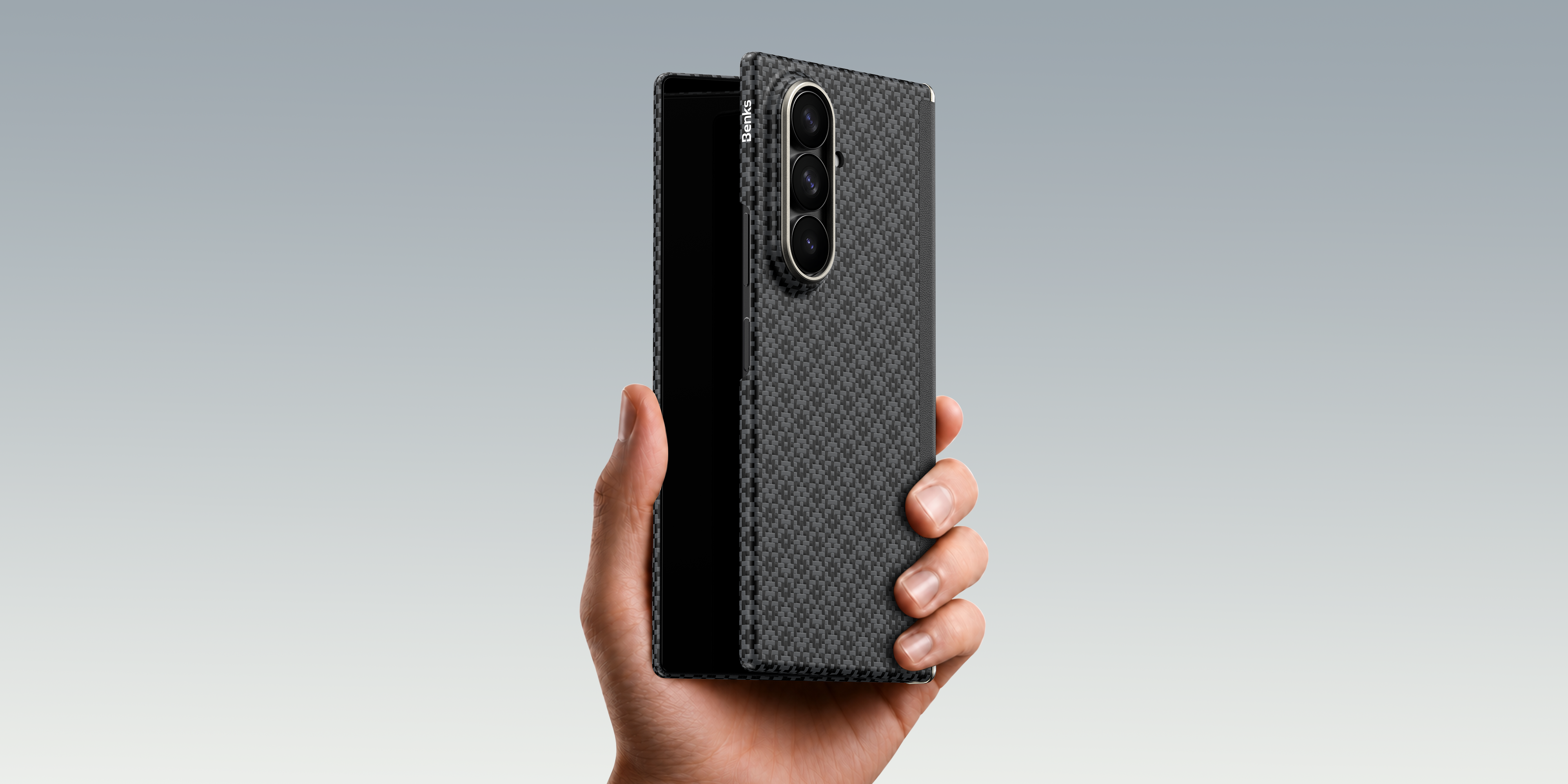
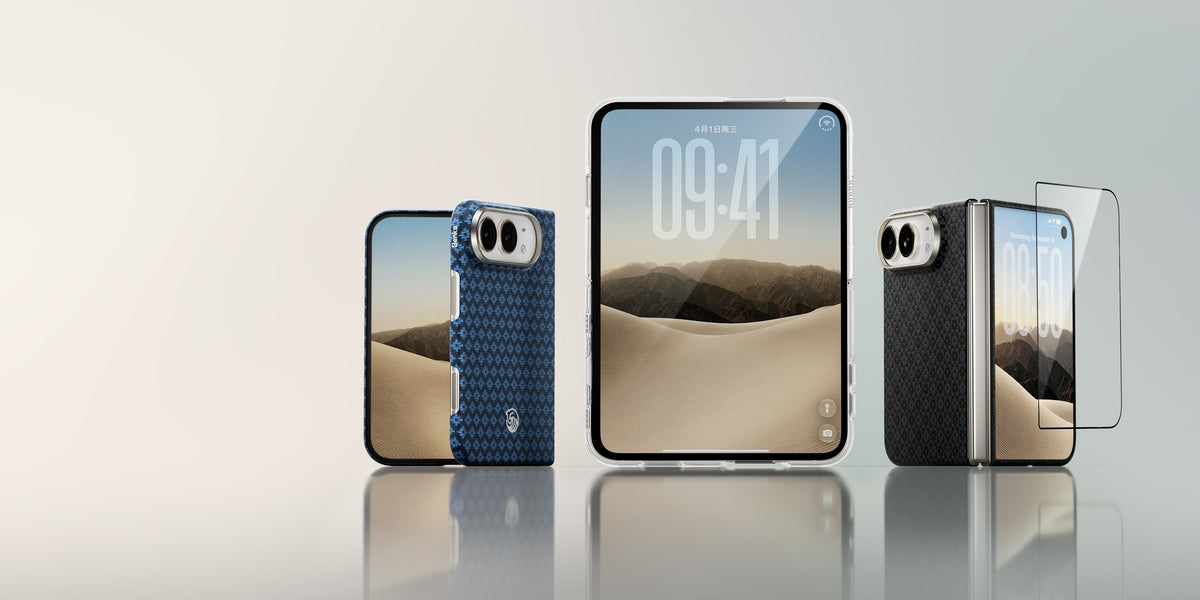
The Benks ArmorGrid Grand Combo for Galaxy Z Fold 8 Ultra includes a GlassWarrior HD cover screen protector sized specifically for the 6.5-inch cover display, a PC front frame, and a DuPont™ Kevlar® back case — all in one bundle. The Grand Combo for Galaxy Z Fold 8 covers the standard model's 5.4-inch cover screen.
FAQ
Does One UI 9 come pre-installed on the Fold 8?
Yes. The Galaxy Z Fold 8, Fold 8 Ultra, and Flip 8 all ship with stable One UI 9 (Android 17) out of the box.
When will One UI 9 come to the Galaxy S26?
Samsung expects the stable rollout to reach the Galaxy S26 series next, likely around September 2026.
Is Cine LUT available on the Fold 8 standard?
No. Cine LUT cinematic color grading is exclusive to the Fold 8 Ultra's camera system.
What's the AI Assistant Activity Dashboard?
A centralized log of every action Galaxy AI has taken on your behalf across all apps and services, with direct links to relevant settings controls.


Dejar un comentario
Este sitio está protegido por hCaptcha y se aplican la Política de privacidad de hCaptcha y los Términos del servicio.