
Can the Galaxy Z Fold 8 Replace Your iPad? After Two Weeks, Here's the Real Answer
The Galaxy Z Fold 8 is not just a phone upgrade. It is a different shape of device. After two weeks with it, multiple reviewers describe it as the first foldable that replaced their iPad or tablet for daily casual use — and the first phone that made them put down their tablet and reach for the Fold instead. This is what the data from two weeks of real use shows about whether the Fold 8 can replace a tablet, a phone, and in some cases a laptop.
What the Fold 8 Does That a Phone Can't
Side-by-side apps at real usability. Running two apps simultaneously on a 7.6-inch 4:3 inner display gives each app more screen real estate than the full screen of a normal phone. Email and calendar. Browser and notes. Video call and document. These combinations work on the Fold 8 without feeling like you're looking at two cramped slivers of content.
Video consumption without compromise. The 4:3 inner display shows 16:9 video with minimal letterboxing and 4:3 content without any. Reviewers from Gizmodo, Android Police, and Forbes describe watching video on the Fold 8 as unlike any phone they've used — and in Gizmodo's case, more video than they've watched on any test phone in their career.
Gaming with a wider playfield. Landscape games get more horizontal screen space than any previous Galaxy device. The Fold 8 is wider than an iPad mini in landscape by some metrics, while being a phone in your pocket when folded.
Three-way split-screen (One UI 9). Two apps side by side on top, one full-width across the bottom. Available for the first time on the Fold 8's wider inner display. Common configuration: video call + notes + calendar.
What the Fold 8 Does That a Tablet Can't
It's a phone. You make calls, send messages, use mobile data, and carry it in a pocket. Your tablet doesn't do any of this.
It fits in a jeans pocket. A folded Fold 8 at 4.5mm thin, while wider than a traditional phone, fits in a standard jeans pocket in a way no tablet does.
It's always with you. The friction of reaching for a tablet versus having a phone in your hand or pocket is the reason most people use their phones more than their tablets. The Fold 8 is both.
Cover screen for quick tasks. The 5.4-inch cover screen handles notifications, calls, messages, and quick app launches without unfolding. Your tablet requires you to pick it up, wake it, and interact with it intentionally. The Fold 8 has the same low-friction access as any phone.
Where the Fold 8 Doesn't Replace a Tablet
Reading-heavy use in portrait mode. The Fold 8's shorter display shows less content per scroll in portrait compared to a taller iPad or Android tablet. If you read long-form content in portrait orientation — books, articles, PDFs — a tablet's taller screen is more efficient.
Precision touch and stylus tasks. The Fold 8 does not support the S Pen. For note-taking, sketching, annotation, or any precision stylus task, a tablet with stylus support remains better. Apple Pencil on iPad or S Pen on Galaxy Tab are not substitutable on the Fold 8.
Desktop-class apps. iPadOS and Android tablets access larger versions of apps designed for their displays. The Fold 8 runs phone apps scaled to a larger screen — which is good, but different from a tablet experience in apps like Procreate, Logic Pro, or desktop Safari on iPadOS.
Extended battery under full load. Running the inner display at full brightness for sustained periods draws more power than a phone-sized battery is optimized for. The Fold 8 Ultra's 5,000 mAh silicon-carbon battery is a meaningful upgrade from the Fold 7, but extended tablet-style use sessions across a full day will still require a top-up in a way that a tablet's larger battery does not.
The Samsung DeX Factor (Fold 8 Ultra)
On the Fold 8 Ultra, Samsung DeX adds a third use mode beyond phone and tablet. Connect to a monitor via USB-C and the Fold 8 Ultra runs a desktop-like Android environment with resizable windows, a taskbar, and keyboard and mouse support. For users who need a portable productivity device that works at a desk, DeX on the Fold 8 Ultra reduces or eliminates the need for a laptop for basic document editing, presentation review, spreadsheet work, and email management.
DeX is available on the Fold 8 standard as well, though the Ultra's larger cover screen and inner display make the transition between mobile and desktop use more seamless.
Who the Fold 8 Actually Replaces a Tablet For
Based on two-week reviews from Forbes, Android Police, and Gizmodo:
- Casual content consumers who use a tablet for Netflix, YouTube, casual gaming, and reading — but find carrying a tablet and a phone redundant
- Business travelers who want one device for calls, messages, email, and document review without a second screen
- Users who use their phone more than their tablet anyway because it's always available
Who the Fold 8 does not replace a tablet for:
- Artists and note-takers who depend on stylus input
- Users who stream content for hours daily and need extended battery
- Users who use desktop-class tablet apps that have no phone equivalent
Protecting a Device You're Using as Two Devices
If the Fold 8 or Fold 8 Ultra is replacing both your phone and your tablet, it's doing twice the work. It's also twice as important to protect. The hinge — the mechanism that enables everything the phone does that a tablet cannot — costs $350–$500 to repair out of warranty at Samsung.
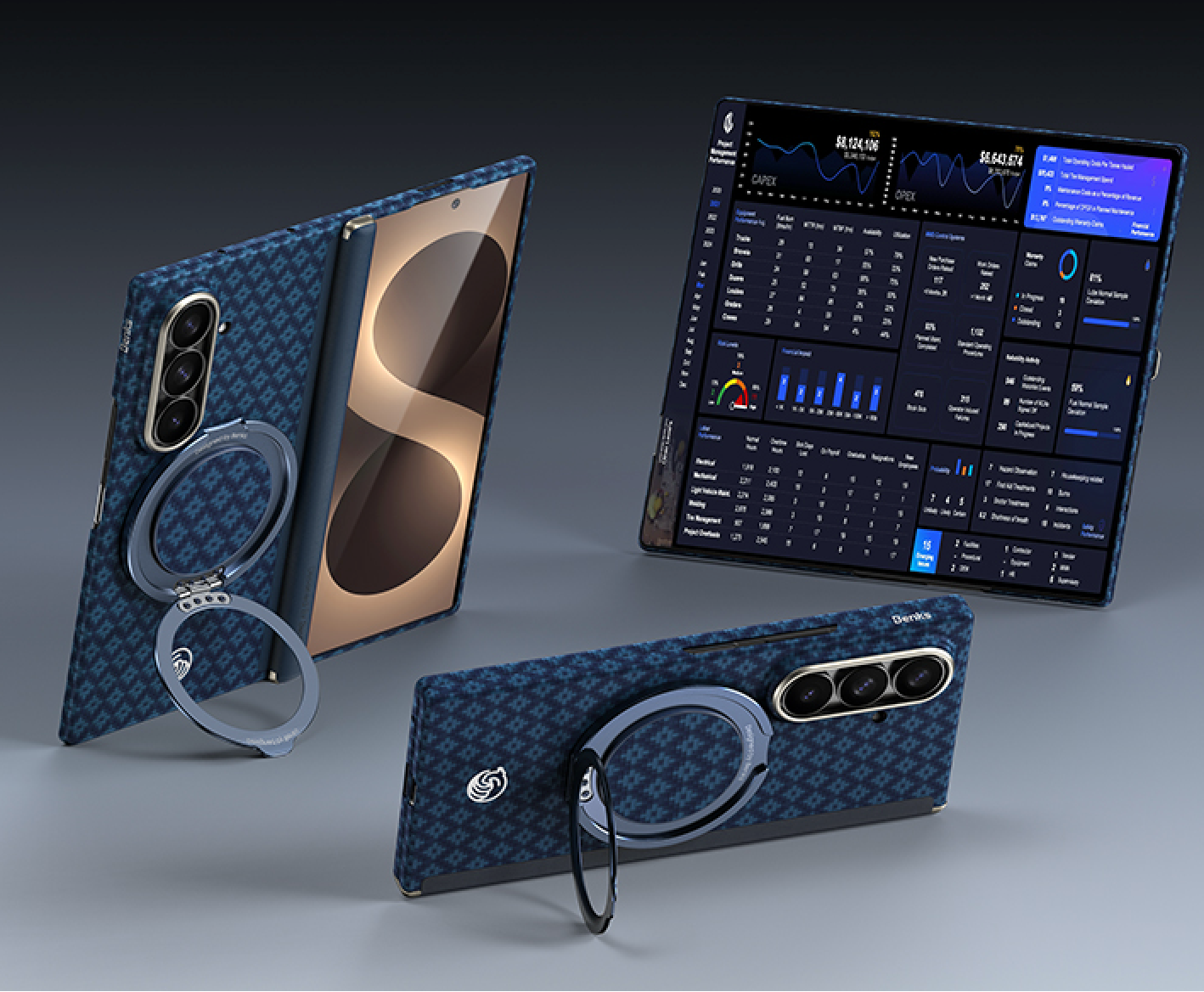
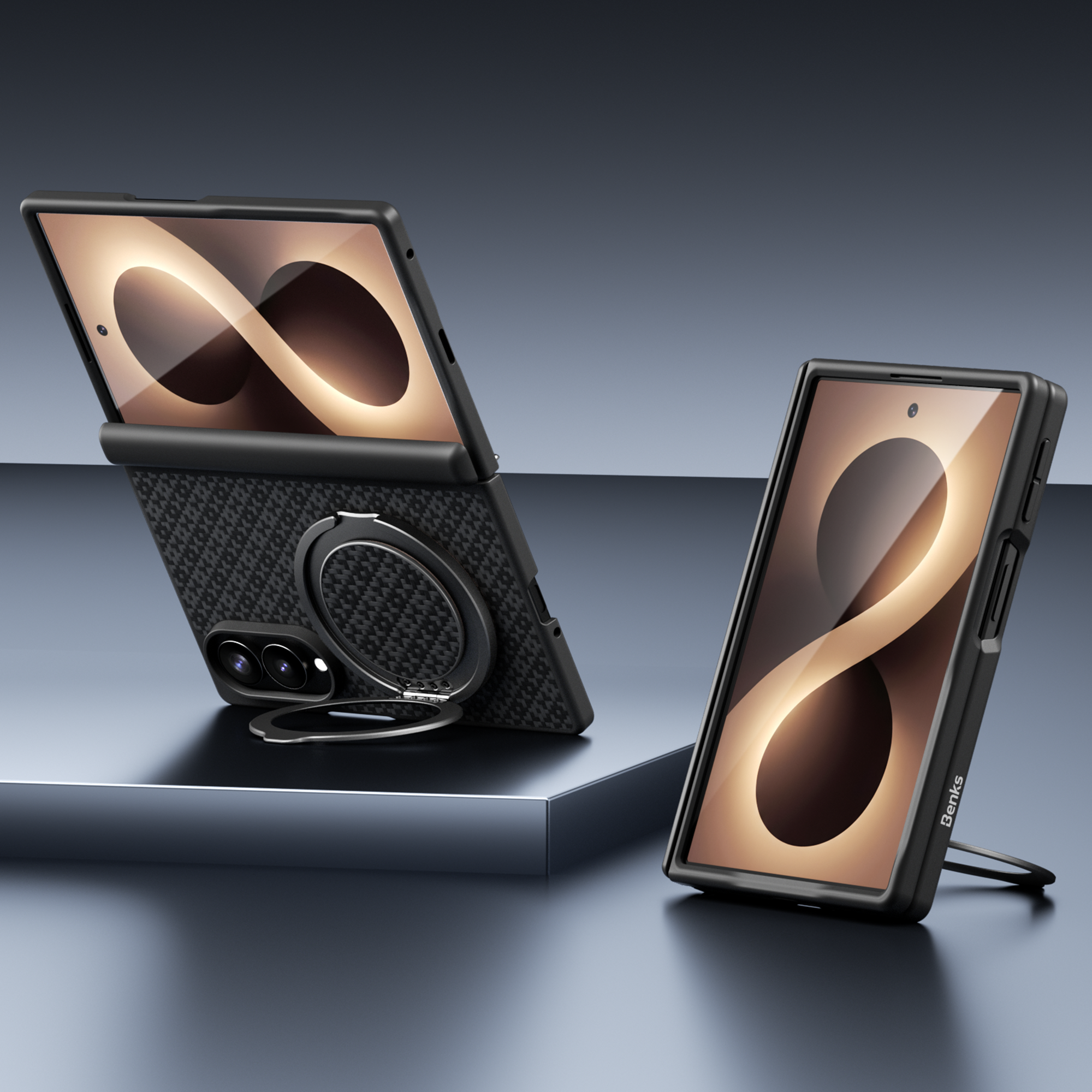
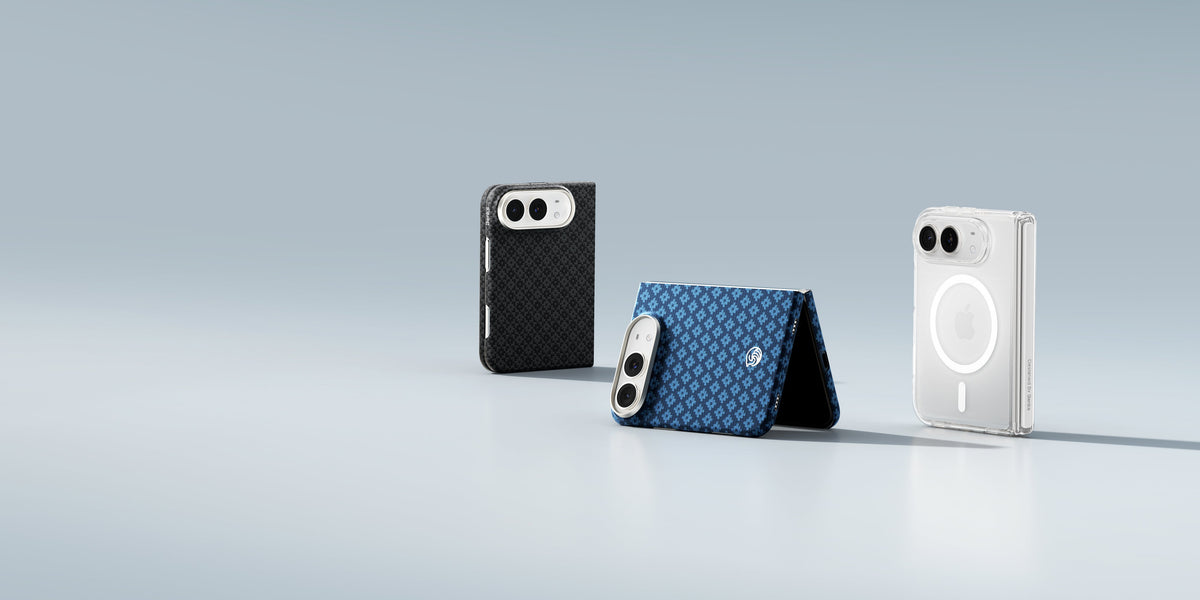
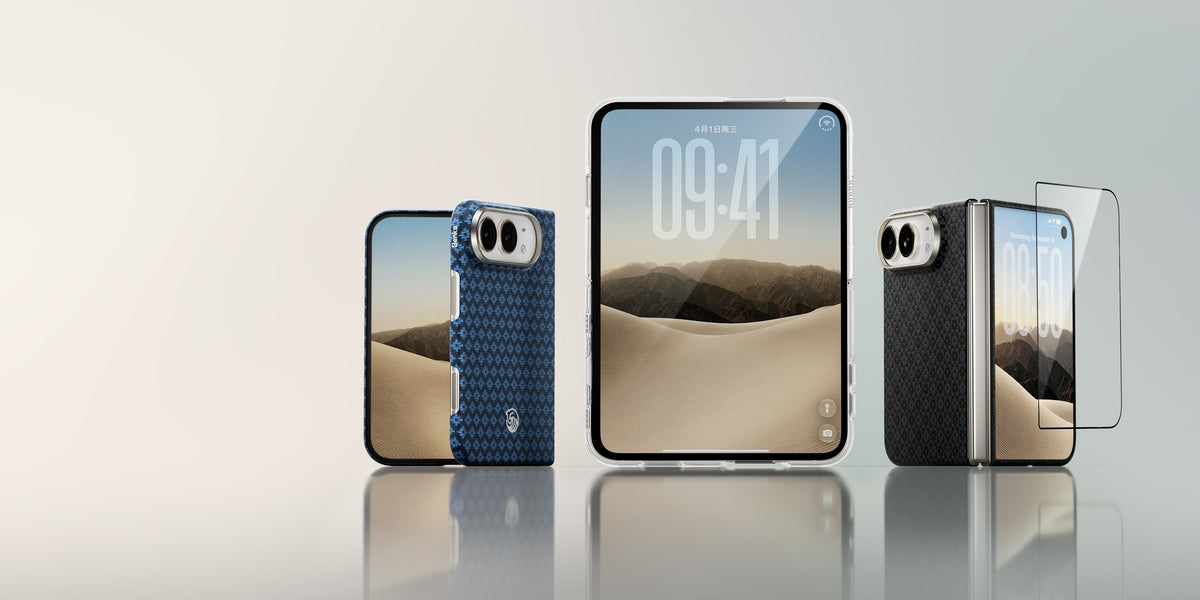
The Benks ArmorGrid Grand Combo for Galaxy Z Fold 8 and the ArmorGrid Grand Combo for Galaxy Z Fold 8 Ultra each include a fitted Kevlar® case, PC front frame, and GlassWarrior HD cover screen protector as one bundle — so the most expensive component (the hinge) and the most-used surface (the cover display) are both protected from day one.
Use code Fold8 at checkout for 8% off all Grand Combo bundles.
For why Kevlar® is the right material for a foldable case, see Read This Before You Buy an Aramid Fiber Case. For the full case comparison, see Best Cases for Galaxy Z Fold 8 Ultra (2026).
FAQ
Can the Galaxy Z Fold 8 replace an iPad?
For casual content consumption and split-screen productivity, yes — multiple reviewers stopped reaching for their iPad after two weeks with the Fold 8. For stylus input, desktop-class apps, and extended battery use, no.
Is the Galaxy Z Fold 8 good for productivity?
Yes. Split-screen, three-way multitasking (One UI 9), and Samsung DeX on the Ultra make it the most productive phone form factor available.
Is the Galaxy Z Fold 8 Ultra or standard better for replacing a tablet?
The Ultra, primarily because of the larger 8.0-inch inner display, the 6.5-inch cover screen that handles phone tasks more naturally, and DeX support that is more seamless from the larger screen.


Dejar un comentario
Este sitio está protegido por hCaptcha y se aplican la Política de privacidad de hCaptcha y los Términos del servicio.