
How to Switch from iPhone to Galaxy Z Fold 8 Ultra: The Complete 2026 Guide
More Galaxy Fold buyers come from iPhone than Samsung publicly acknowledges. The reasons are consistent: the larger inner display for productivity, the dual-screen format that has no iOS equivalent, and a curiosity about the foldable category that Apple hasn't yet entered. One UI 9 makes the switch significantly easier than it was a year ago — Smart Switch now transfers passwords, passkeys, and eSIM from iPhone to the Galaxy Z Fold 8 Ultra, none of which were possible before.
This guide covers what transfers, what doesn't, what surprises first-time Android users on a Fold, and what to set up in the first week.
What One UI 9 Smart Switch Transfers from iPhone
Samsung Smart Switch in One UI 9 now supports:
- Contacts — full transfer including photos and notes fields
- Messages (SMS/MMS) — iMessage history does not transfer; SMS threads do
- Photos and videos — full camera roll including original resolution
- Calendar events — iCloud Calendar transfers to Google Calendar or Samsung Calendar
- Passwords (new in One UI 9) — iCloud Keychain passwords transfer to Samsung Pass
- Passkeys (new in One UI 9) — passkeys stored in iCloud Keychain transfer to Samsung Pass
- eSIM (new in One UI 9) — carrier eSIM profile transfers directly, no need to call your carrier in most cases
- App list — Smart Switch identifies which iOS apps have Android equivalents and queues them for download
What does not transfer:
- iMessage history (Apple's encryption prevents this)
- iCloud-only data (iCloud Drive files, iCloud-backed app data)
- App purchase history and in-app purchases (App Store purchases don't carry over to Google Play)
- Apple Watch pairing and health data
- AirDrop, AirPlay, and AirPods pairing
The iMessage Problem (and How to Handle It)
iMessage history does not transfer. More importantly, your iPhone number stays associated with iMessage until you explicitly deregister it. If you don't deregister, messages from other iPhone users will still send as iMessages to your old number — and you won't receive them on your new Android.
Before switching: go to Settings → Messages → Send & Receive on your iPhone and remove your phone number from iMessage. Then go to selfsolve.apple.com/deregister-imessage and deregister. This typically takes a few hours to propagate. Do this before activating the Fold 8 Ultra.
First Week Setup: What to Configure
Day 1:
- Run Smart Switch and let transfers complete — photos especially take time at full resolution
- Set up Samsung Pass with your transferred passwords
- Install Google apps: Gmail, Google Maps, Google Photos (these replace Apple Mail, Maps, iCloud Photos)
- Set up Google Photos backup for your camera roll going forward
Day 2–3:
- Configure the Fold 8 Ultra's task bar and split-screen defaults — One UI 9 lets you pin frequently used apps to the taskbar for quick split-screen launch
- Set up Samsung DeX if you use the phone with a monitor or keyboard
- Configure the cover screen layout — the 6.5-inch cover display on the Ultra supports multiple widgets and a customized quick-access panel
Week 1:
- Learn the multitasking gestures: swipe from the edge to open the app pair panel, long-press recent apps to pin in split-screen
- Set up three-way split-screen (new in One UI 9) for your most common productivity combinations
- Configure Galaxy AI features: Now Brief summary, AI Assistant Activity Dashboard, Now Nudge preferences
What the Fold 8 Ultra Does That iPhone Can't
Inner display multitasking. Running two or three apps simultaneously on the 8.0-inch inner screen is the defining Fold experience. There is no iOS equivalent — iPads have split-screen but they're not phone-sized when folded. The Fold 8 Ultra is both.
Samsung DeX. Connect the Fold 8 Ultra to a monitor via USB-C and it runs a desktop-like Android environment with resizable windows, a taskbar, and keyboard/mouse support. This replaces a basic laptop for many productivity tasks.
Flex Mode. Fold the phone to 90 degrees and apps adapt to use the top half as a display and the bottom half as a touchpad or controls. Works especially well for video calls and camera use.
My FanCam dual recording. Record front and rear cameras simultaneously, then reframe either in Gallery. No equivalent in the iPhone camera app.
What You'll Miss from iPhone
Be honest with yourself about the iOS features that are genuinely irreplaceable:
- iMessage with blue bubbles — RCS covers most of the feature gap with other Android users and iPhone 15+ users, but group chats with older iPhone users lose some functionality
- AirDrop — Quick Share is Android's equivalent; it works well between Android devices but not with iPhones
- Continuity Camera / Handoff — no Android equivalent for seamless Mac/iPhone handoff features
- Apple Watch — does not pair with Android
- FaceTime — Google Meet, WhatsApp, and Duo cover video calling but without FaceTime's audio quality and integration
Setting Up Your Case Before the Phone Arrives
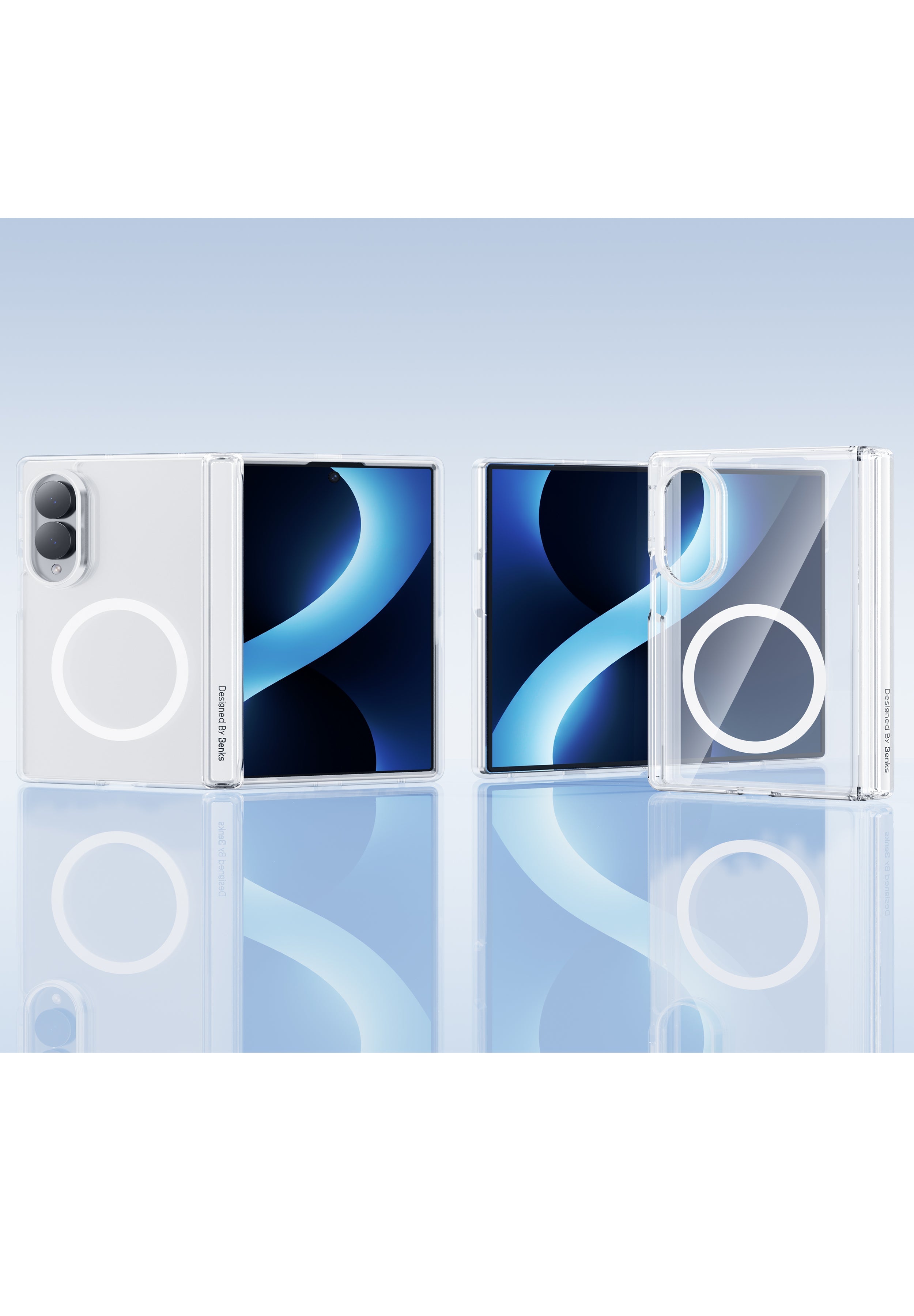
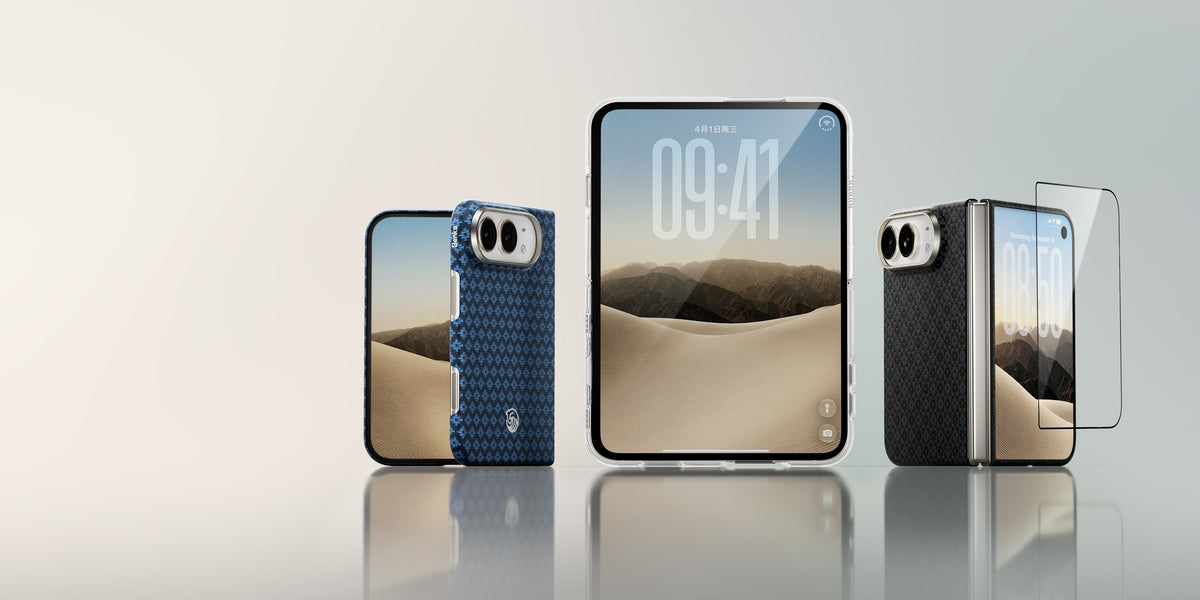
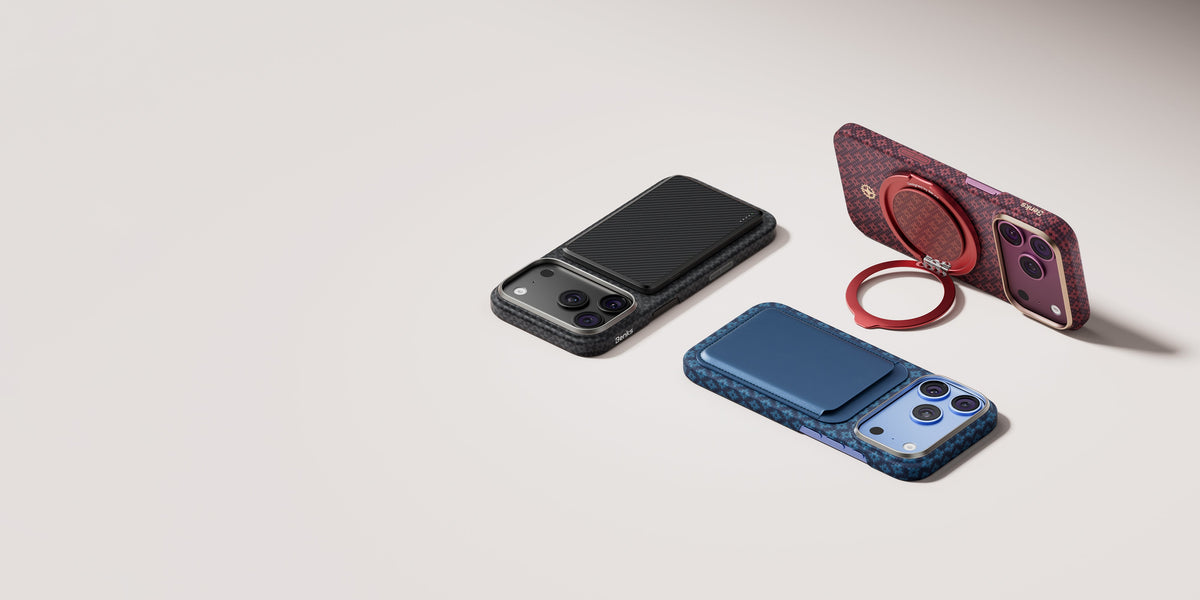
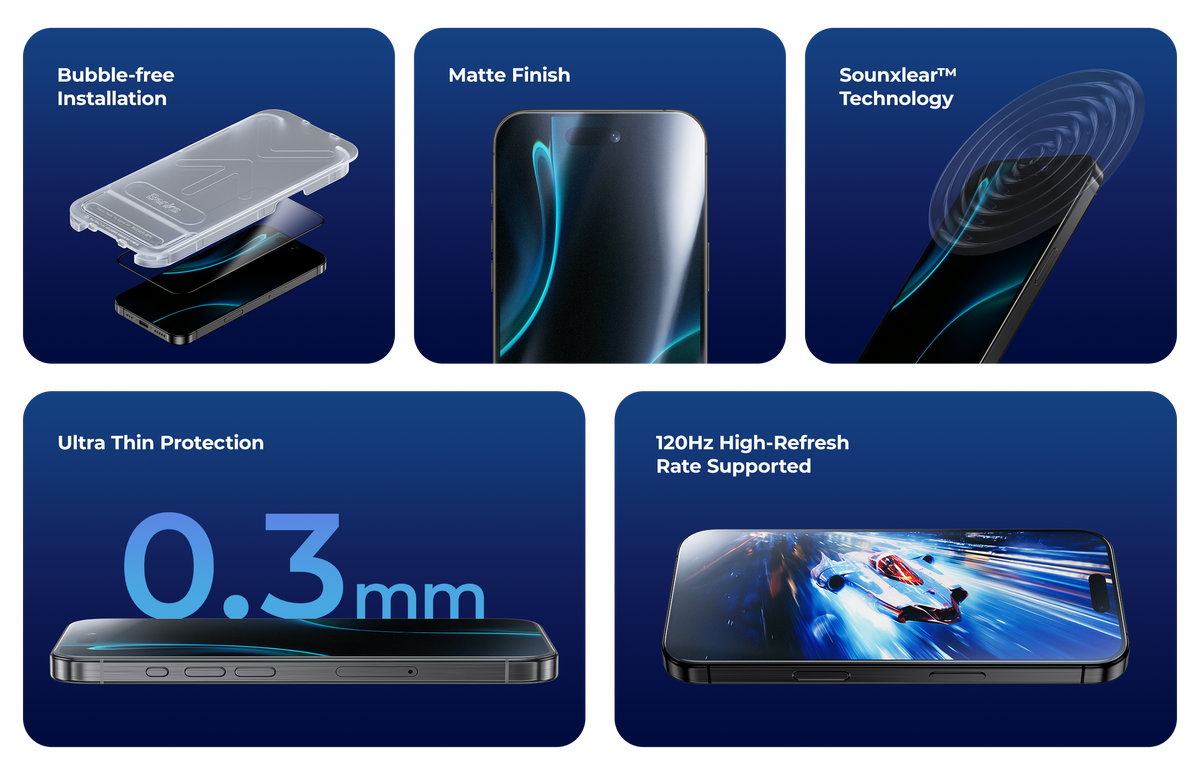
The Fold 8 Ultra's cover display and hinge need protection from the first day. The Benks ArmorGrid Grand Combo ships with the phone's exact dimensions fitted — you don't need to buy the case and screen protector separately and hope they align.
 ArmorGrid Air Grand Combo for Fold 8 Ultra — slim Kevlar®, +0.6mm
ArmorGrid Pro Grand Combo for Fold 8 Ultra — Kevlar® + TPU hinge wrap Crystal Case for Samsung Galaxy Z Fold 8—High-Transparency Crystal Shell

Related: Best Cases for Galaxy Z Fold 8 Ultra (2026) · What Flex Titanium Actually Does
FAQ
Does Samsung Smart Switch work on iPhone?
Yes. Smart Switch on One UI 9 transfers contacts, photos, messages (SMS only), calendar, passwords, passkeys, and eSIM from iPhone to Galaxy Z Fold 8 Ultra.
Can I transfer my iMessage history to the Galaxy Z Fold 8 Ultra?
No. Apple's iMessage encryption prevents history transfer to non-Apple devices. SMS/MMS threads transfer; iMessage threads do not.
Will my AirPods work with the Galaxy Z Fold 8 Ultra?
AirPods work as Bluetooth audio devices with any Android phone. AirPods Pro's advanced features (Adaptive Transparency, Personalized Spatial Audio, Siri) require an iPhone or Mac and will not function on Android.
Can I keep my Apple Watch when switching to the Fold 8 Ultra?
Apple Watch only pairs with iPhone. You would need a Samsung Galaxy Watch or other Android-compatible smartwatch.


댓글 남기기
이 사이트는 hCaptcha에 의해 보호되며, hCaptcha의 개인 정보 보호 정책 과 서비스 약관 이 적용됩니다.