
Phone Accessories Guide: Stands, Grips & Mounts (2026)
Phone accessories split into two categories: things that make the phone safer to hold, and things that make it easier to use hands-free. Grips, rings, and straps belong in the first category. Stands, mounts, and docks belong in the second. Most people buy from the second category before the first, then drop their phone and buy from the first. This guide covers both — how each type works, what to look for, and which combinations make the most sense.
Table of Contents
- Magnetic Wallet Stands
- Phone Grips: Types and Tradeoffs
- Desk and Table Stands
- Car and Bike Mounts
- Everyday Carry: Building a Minimal Setup
- Desk Setup Accessories
- FAQ
Magnetic Wallet Stands
A magnetic wallet stand attaches to the back of the phone via a magnet array and serves two functions: it holds cards (typically 2–4), and it folds out into a kickstand for hands-free viewing. The magnet system used determines both how securely it attaches and whether it is compatible with MagSafe wireless charging through the wallet.

MagSafe-compatible wallet stands use a ring of magnets that aligns with the MagSafe coil array in the iPhone. When the wallet is attached, wireless charging still works because the wallet's magnets are positioned around the charging area, not over it. Non-MagSafe wallets use weaker adhesive magnets or no magnets at all and typically block wireless charging — you need to remove the wallet to charge. For a practical overview of how a magnetic wallet stand changes daily carry, see how a magnetic wallet stand can simplify everyday carry.
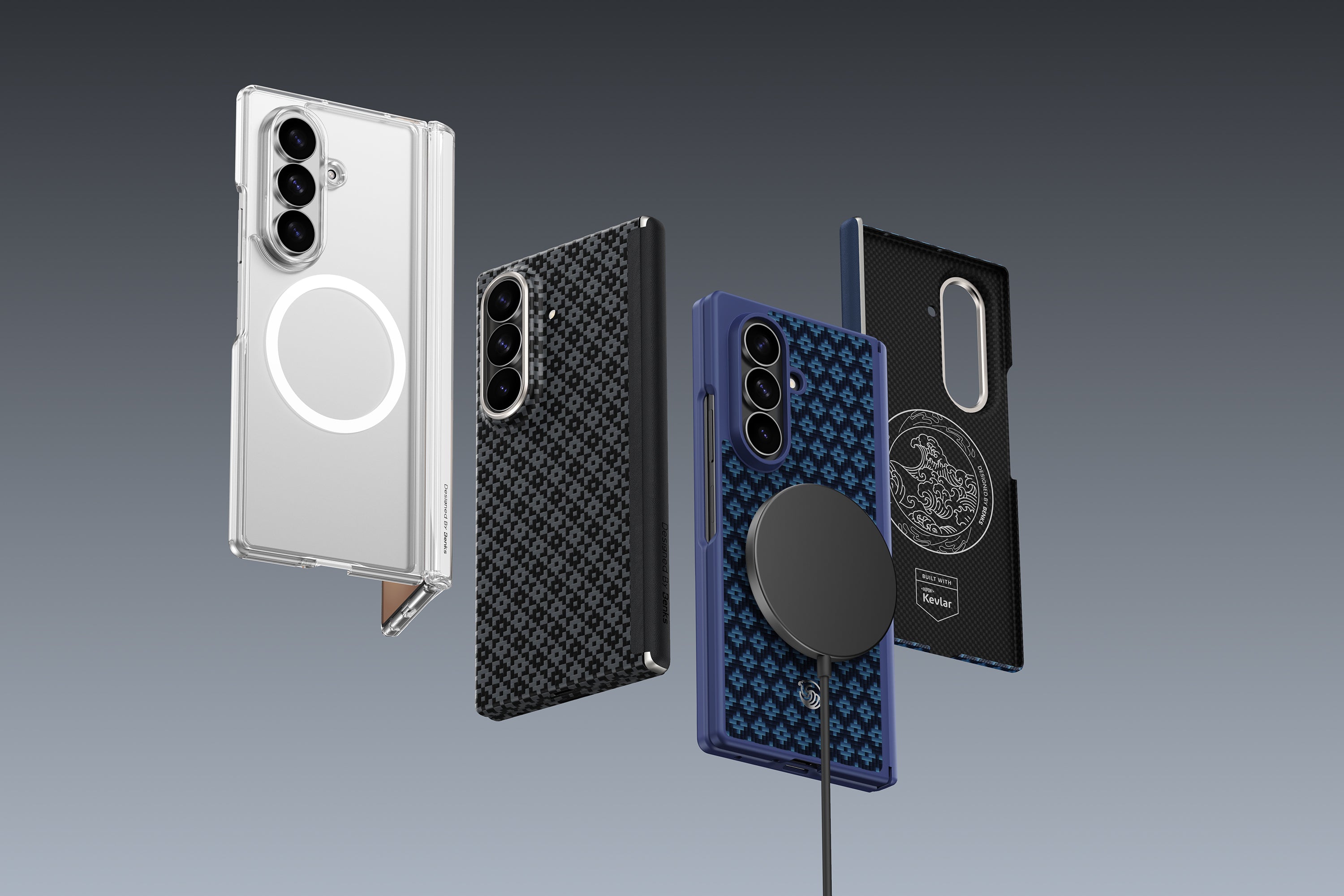
Material affects durability and pocket feel. Leather wallet stands develop patina over time and feel premium, but the surface softens and card retention can loosen with heavy use. Aramid fiber (Kevlar®) wallet stands are stiffer, do not stretch, and maintain consistent card tension longer. They are also lighter — a typical aramid wallet stand weighs 20–25g versus 30–40g for full-grain leather. For a direct comparison of the two materials in this format, see Kevlar fiber vs leather wallet stand: a material comparison.
| Feature | Aramid fiber wallet stand | Leather wallet stand |
|---|---|---|
| Weight | 20–25g | 30–40g |
| Card capacity | 2–3 cards | 2–4 cards |
| Durability | High — does not stretch | Medium — softens with use |
| MagSafe compatibility | Depends on magnet design | Depends on magnet design |
| Wireless charging | Compatible (MagSafe models) | Compatible (MagSafe models) |
The Benks ArmorGo wallet stand uses 600D aramid fiber construction with a built-in MagSafe-compatible magnet array. It attaches magnetically to MagSafe iPhones, holds 2–3 cards, and folds into a kickstand for portrait and landscape viewing. Wireless charging works with the wallet attached — the magnets are positioned around the charging coil, not over it.
Phone Grips: Types and Tradeoffs
Phone grips reduce the grip force required to hold the phone securely, which matters more as phones have grown larger and heavier. The average flagship phone in 2026 weighs 215–240g — roughly the weight of an egg in each hand. A grip that gives your finger or thumb a stable purchase point reduces the constant micro-adjustments that cause hand fatigue and single-hand drop events.
Three formats dominate the market:
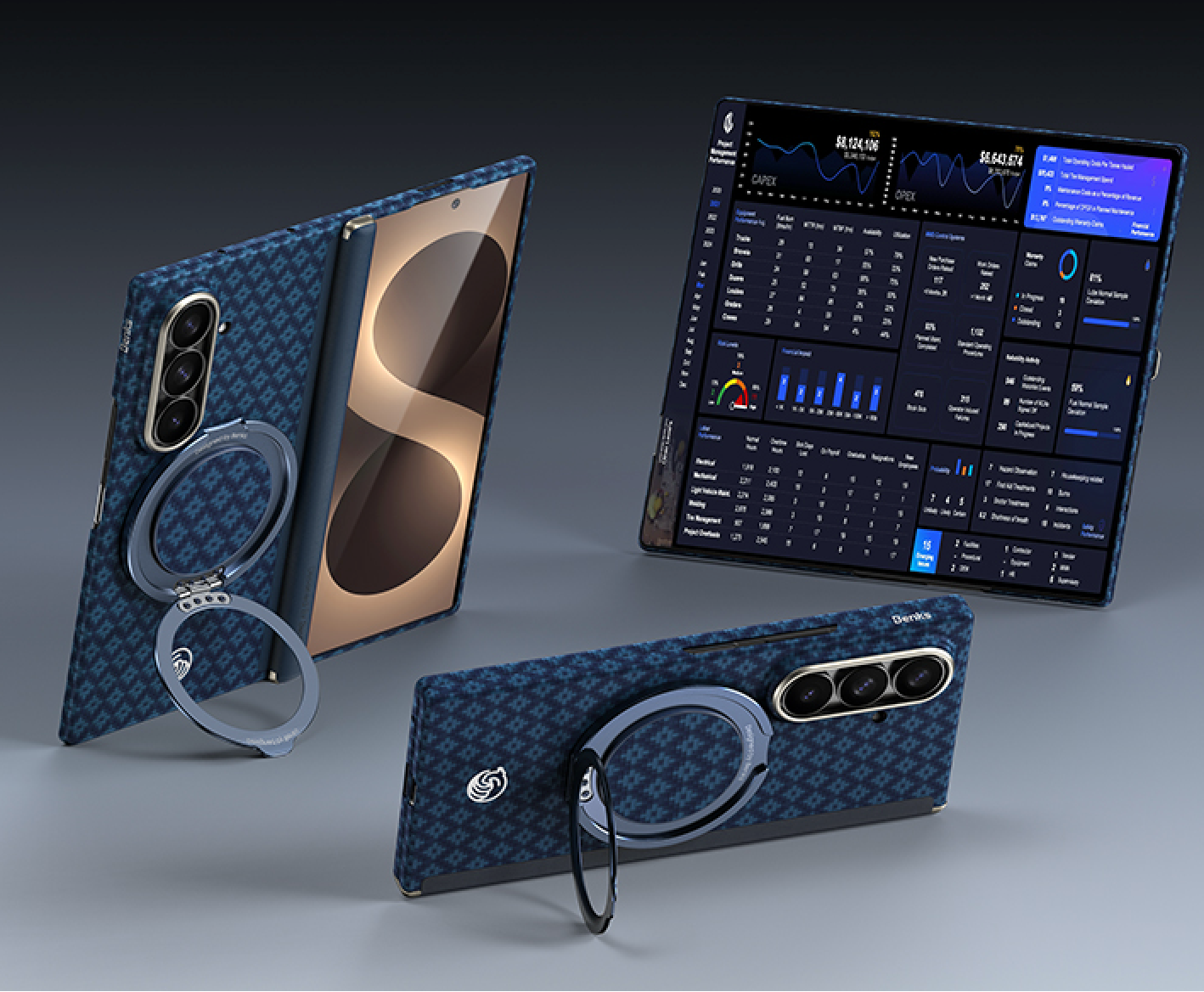
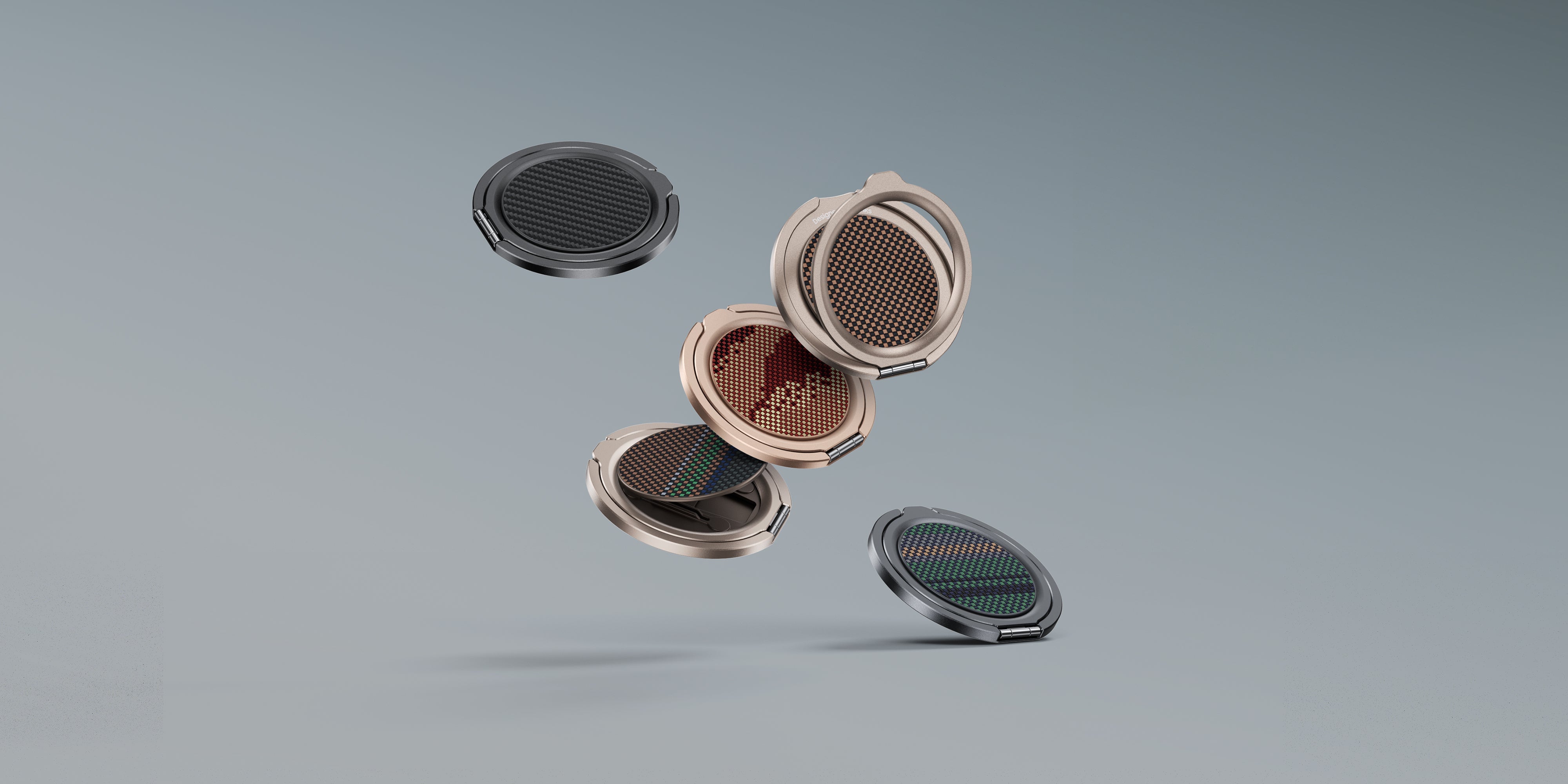
Ring grips attach to the back of the phone and fold flat when not in use. A metal ring protrudes 8–12mm when open. The ring doubles as a kickstand for landscape viewing. The drawback: ring grips add thickness to the profile, may scratch surfaces when the phone is set down, and are incompatible with most wireless charging unless positioned precisely. For a full breakdown of whether phone grips are worth the added bulk, see whether phone grips are necessary and which options are best.
Strap grips use an elastic band that attaches to the back of the case. You slide your hand under the band to hold the phone. They sit flatter than rings (3–5mm) and do not rotate, which makes them better for video and photography where a ring could interfere. Wireless charging works through the strap material if positioned correctly. Strap material — nylon, Kevlar, or silicone — affects durability and texture.
Adhesive grips stick directly to the phone or case back with 3M adhesive and do not fold out. They are the lowest-profile option — adding 2–3mm — but provide less mechanical advantage than rings or straps and cannot be repositioned once adhered without potential case or phone damage. For a deeper look at the functional benefits each grip type provides, see the benefits of using a phone grip.
The Benks MagClap phone grip uses an adhesive nylon strap that sits below the phone's charging coil area, allowing wireless charging without removing the grip. The strap is rated for 10,000 attachment cycles before adhesive replacement is needed.

Desk and Table Stands
Desk phone stands hold the phone at a viewing angle for video calls, content consumption, or reference while working. The useful range for a desk stand is 45–75 degrees from horizontal — shallow enough to read comfortably, steep enough to prevent the phone from sliding. Stands outside this range either make you tilt your head uncomfortably or fail to hold the phone under the glass's weight.
Magnetic desk stands that use MagSafe or Qi2 magnets serve two functions: they hold the phone in portrait or landscape orientation without a cradle, and they can charge the phone while it is docked. This eliminates the cable management problem on a desk. The limitation is maximum angle adjustment — magnetic stands have a fixed or limited tilt range, while adjustable-arm stands are more flexible but bulkier.
Stand materials affect stability. Heavier stands made from metal or weighted bases resist being knocked over by a phone notification vibration — a real problem with lightweight plastic stands on smooth desks. For guidance on matching stand type to use case, see which stand to choose for using your phone on a table. The Benks MagSafe desk stand collection includes magnetic options that charge iPhone at 15W while docked, eliminating the cable management issue entirely.

Car and Bike Mounts
Car mounts hold the phone in view without requiring the driver to look away from the road to interact with navigation. Three mounting points are standard: dashboard (adhesive or suction), vent clip, and windshield suction. Each has specific trade-offs for sight line, reach, and stability.
Vent mounts are the most accessible — phone positioned close to the dash controls, easy to reach. The problem is heat: air conditioning vents blow cold air that cycles with warm air, creating temperature cycling that stresses adhesives in some mount designs. In summer, hot air from vents before AC kicks in can briefly expose the phone to 50°C+ air — relevant for battery health.
Dashboard suction mounts position the phone higher, closer to the driver's sight line. They are more stable than vent mounts on rough roads but require a flat dashboard surface. Textured or curved dashboards need an adhesive disk pad between the suction cup and the surface.
Windshield mounts are illegal in some US states (California, Minnesota, others) when positioned in the driver's primary sight line area. Check local regulations before using one.
MagSafe car mounts align and hold the phone with the same magnetic force as desk mounts and charge wirelessly while navigating. This is functionally better than a clip mount for iPhones — the phone snaps into position one-handed and stays aligned regardless of road vibration.

Everyday Carry: Building a Minimal Setup
A minimal everyday carry phone setup reduces what you carry without reducing what you have access to. The combination of a MagSafe wallet stand with 2–3 cards eliminates a separate wallet for most daily situations. The phone case handles protection. The wallet stand handles payment cards and ID. A phone grip handles security in hand.
The logical extension of this is the MagSafe ecosystem: a magnetic wallet that can be quickly removed for TSA at airports, reattached on the other side; a magnetic car mount that the phone clicks onto without fumbling; a magnetic power bank that attaches to the back during a long day out without a cable. The practical value is not any single accessory — it is the interoperability of a consistent magnet system across all of them. The Benks MagClap ecosystem is built on this principle, using a 36-magnet array compatible with Apple MagSafe specifications across wallets, stands, chargers, and mounts.
Desk Setup Accessories
Beyond phone-specific stands, a functional desk setup typically includes a headphone stand and a cable management solution. These two items have the largest visual impact on a workspace with the lowest functional complexity.
Headphone stands hold over-ear headphones above the desk surface, keeping them accessible and preventing cable tangling. The material and height of the stand determine whether it is a functional tool or a display piece. The Benks AirPods Max stand is designed for the specific geometry of AirPods Max, cradling the headband without contact pressure on the ear cushions — important for maintaining cushion shape during storage. For a full breakdown of what to look for, see upgrading your workspace with the right AirPods Max stand.
Cable management reduces visual clutter and prevents cables from being pulled off the desk when a device is picked up. Adhesive cable clips, cable raceways, and under-desk cable trays are the standard approaches. Adhesive clips are reversible and low-cost; under-desk trays require drilling or strong adhesives and are more permanent but cleaner in result.
FAQ
Will a phone grip work with a MagSafe charger?
It depends on the grip type and position. Ring grips positioned over the center of the phone block wireless charging. Straps or grips positioned near the edges of the phone generally do not interfere. If wireless charging is important, a MagSafe-compatible grip or strap designed to clear the charging coil area is the right choice. Check product specifications before buying.
How many cards fit in a magnetic wallet stand?
Most magnetic wallet stands hold 2–3 cards comfortably. Overfilling past the rated capacity weakens the snap-closure (if present) and increases the wallet thickness enough to interfere with the fold-out kickstand angle. Using 2 cards — one payment, one ID — is the most practical configuration for daily carry.
What's the difference between a MagSafe wallet and a MagSafe wallet stand?
A MagSafe wallet holds cards and attaches magnetically but has no kickstand. A MagSafe wallet stand does both — it functions as a card holder and folds into a kickstand for viewing. The wallet-stand format adds 2–3mm of additional thickness and weight compared to a flat wallet, but eliminates the need for a separate desk stand for casual viewing.
Do suction cup car mounts work on all dashboards?
Suction cups require a smooth, non-porous surface. Textured plastic dashboards (common in German and Japanese cars) do not create an adequate seal for suction alone. For these surfaces, use a dashboard mount with an adhesive pad designed for textured surfaces, or switch to a vent clip mount.
Is a phone ring grip safe for wireless charging?
Most ring grips — particularly those with a metal ring — interfere with wireless charging when positioned over the charging coil. Some ring grips are specifically designed with the ring offset to avoid the coil area. If the ring grip is made of plastic or is positioned on the lower half of the phone back, wireless charging may still work. The only way to confirm is to test it with your specific charger and check whether the phone shows a charging indicator.
What should I look for in a desk phone stand for video calls?
For video calls, height and angle are the priority. The stand should position the camera at approximately eye level when you are seated — which usually means raising the phone 15–25cm above the desk surface. A stand that only props the phone at a low angle puts the camera below eye level, which is unflattering and shows the ceiling behind you. A tall stand with angle adjustment, or a stand designed to clamp to a monitor arm, solves this problem.
Browse the full Benks accessories range — MagClap wallet stands, phone grips, phone stands, iPad stands, laptop stands, and headphone stands — at benks.com/collections/accessories.


Leave a comment
This site is protected by hCaptcha and the hCaptcha Privacy Policy and Terms of Service apply.